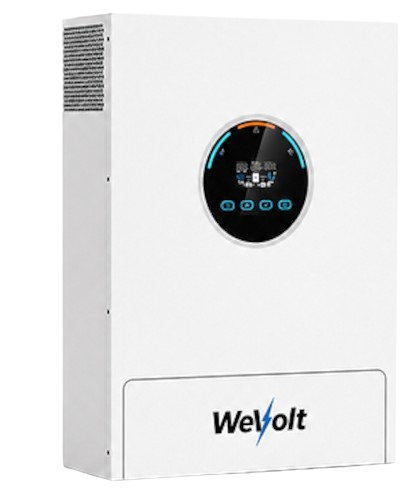
RS232/COM port
When it comes to these inverters, you will need a Voltronic USB RS232 cable plugged into the inverter port labelled "RS232" or "COM", using the RJ45 pin configuration below:
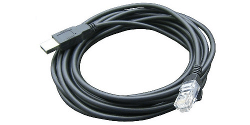
| Pin 1 | RX |
| Pin 2 | TX |
| Pin 8 | GND |
If you buy any random USB RS232 RJ45 cable on Amazon, Ebay, Takealot, etc. which doesn't specifically state that it supports the inverter, it will most likely not work. You can read more about the communication chips we recommend using here.
Steps in SolarAssistant
On the configuration page, select "GosPower" as your inverter model.
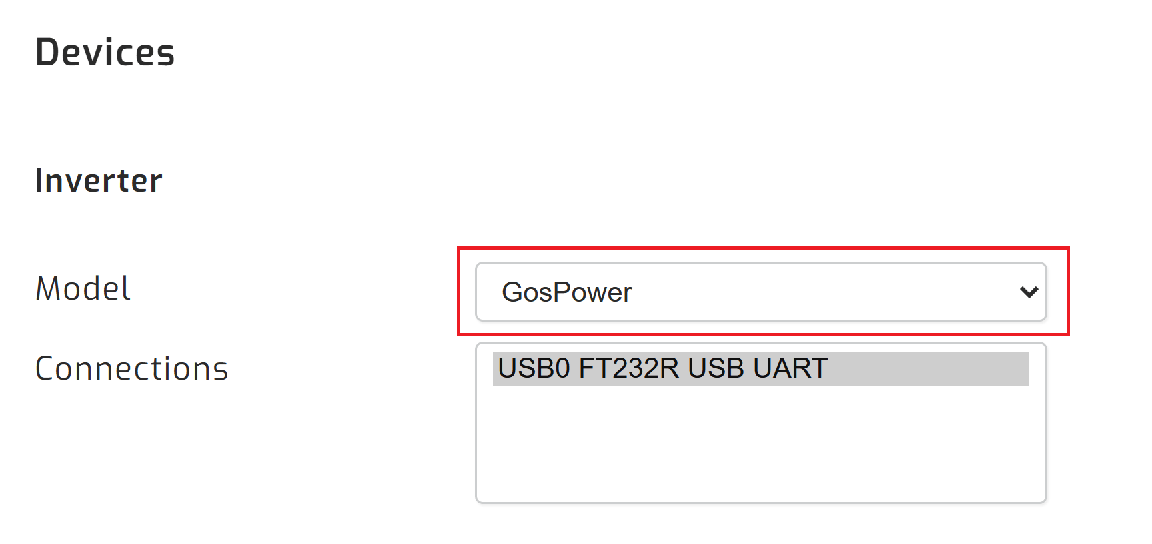
Select the USB port(s) where you have inverters connected. There will typically be one option.

Click connect:
Parallel installations
With these inverters you will need to connect each inverter with its own cable.