Securing local access
Cloud and local access are independent. Your cloud credentials do not protect your device when accessed directly by IP address on your local network. This is similar to your router's admin panel: it's only reachable within your home network, but still needs a password to keep it secure. Set a local password to prevent unauthorized access.
Step 1 - Open system configuration
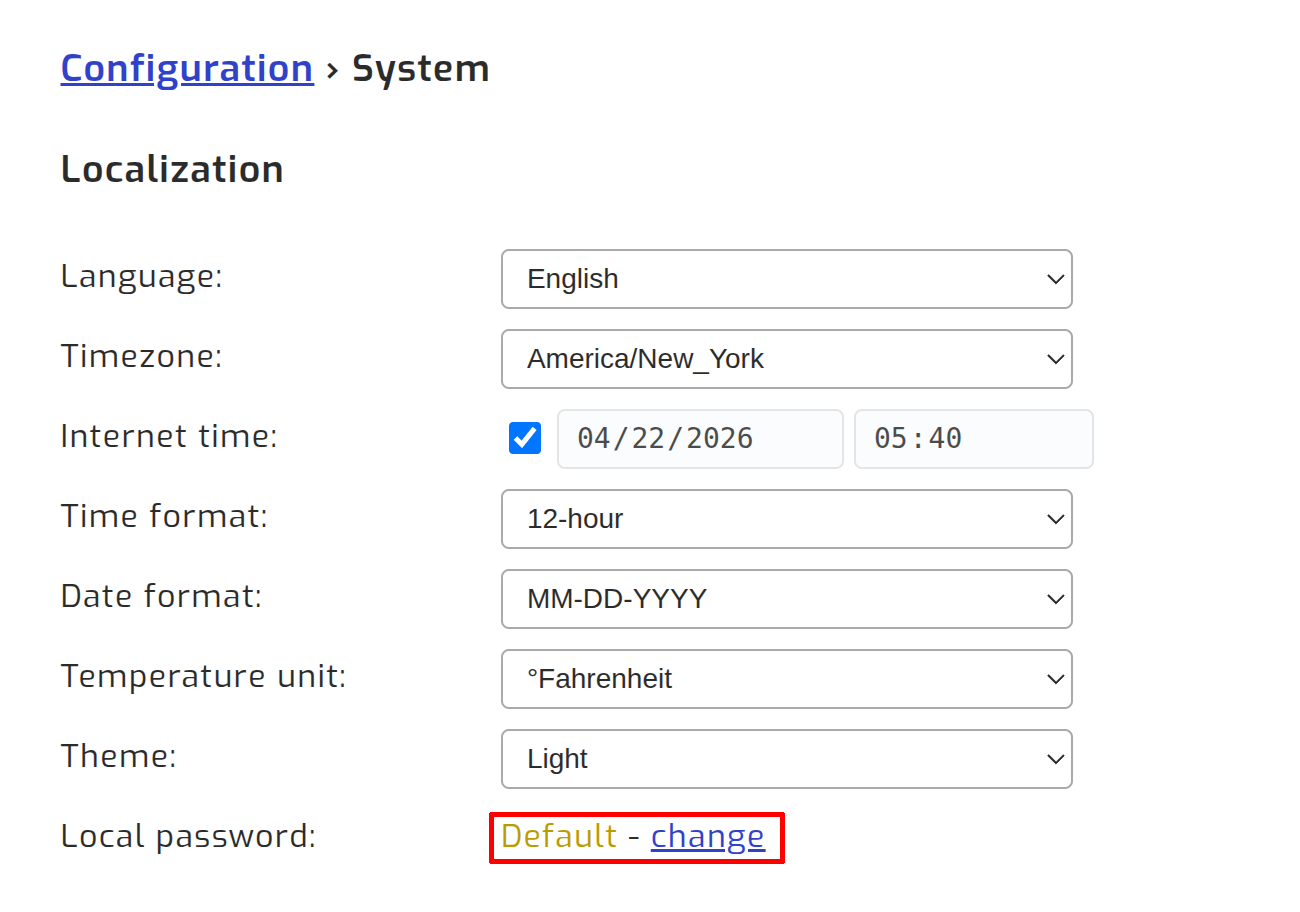
Navigate to Configuration > System. Under the Localization section, find the Local password row and click change.
Step 2 - Set a password
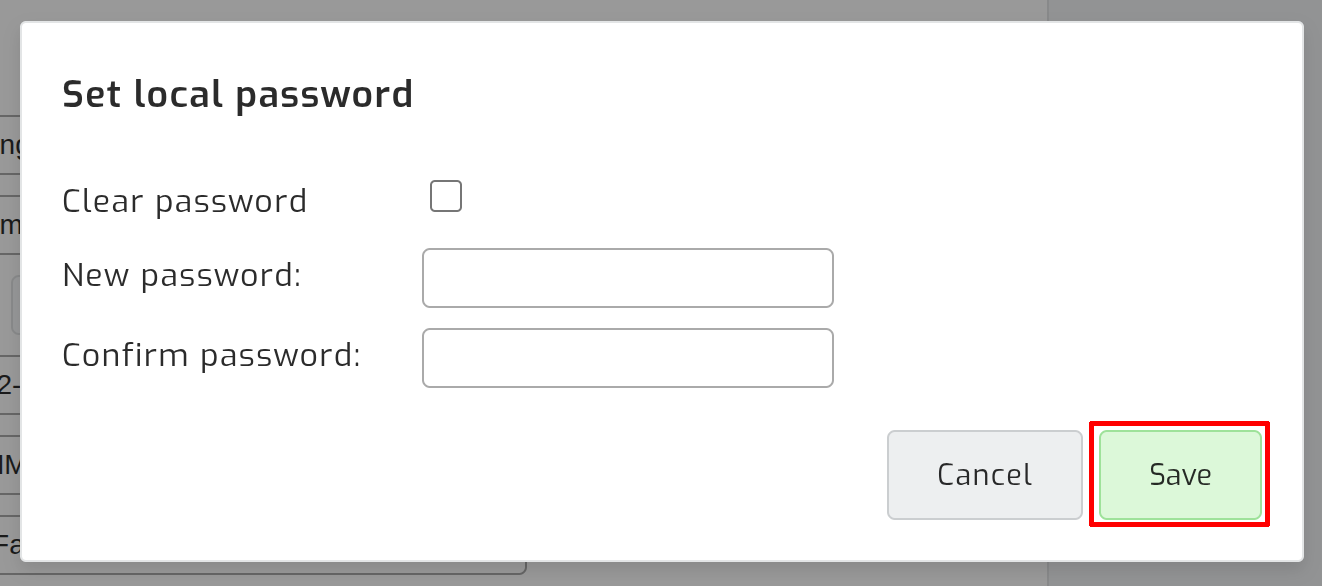
Enter a new password and confirm it, then click Save.
Sign in via local network
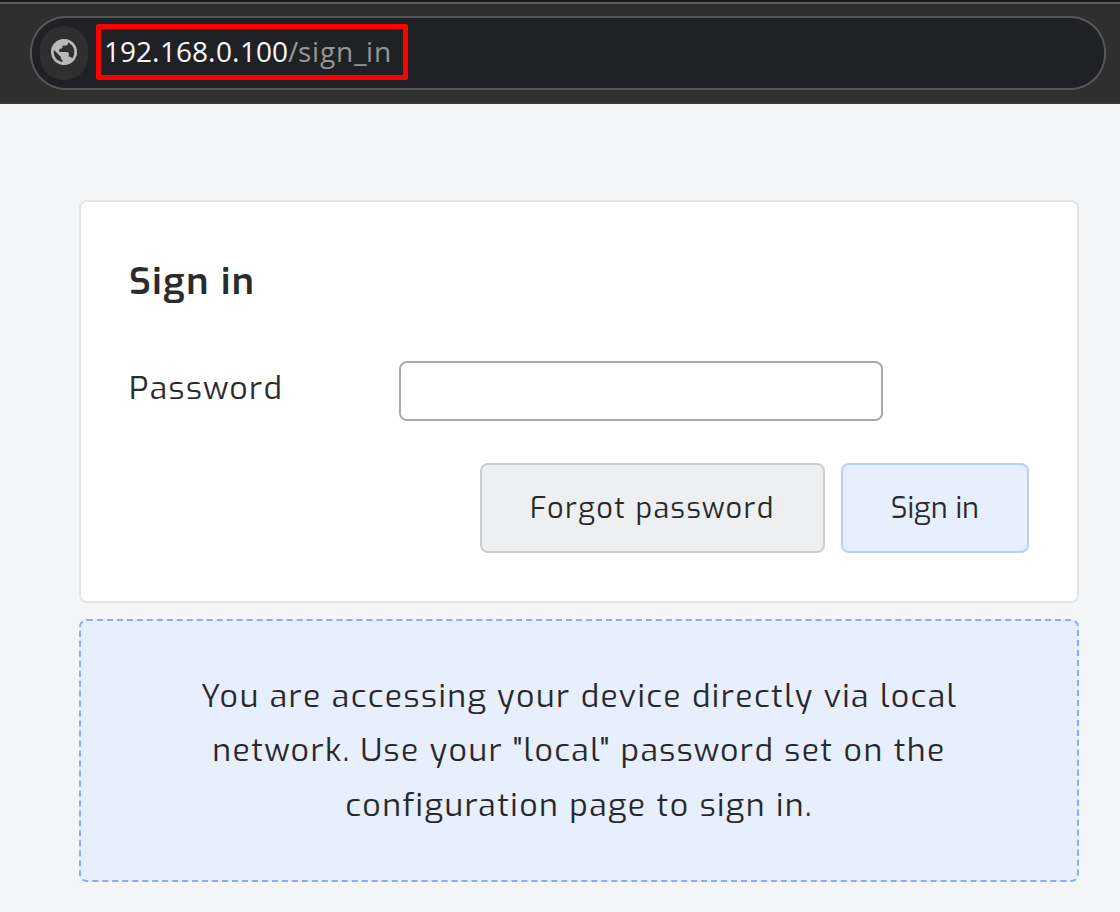
Once a password is set, accessing your SolarAssistant device via its local IP address will prompt you to sign in with that password.