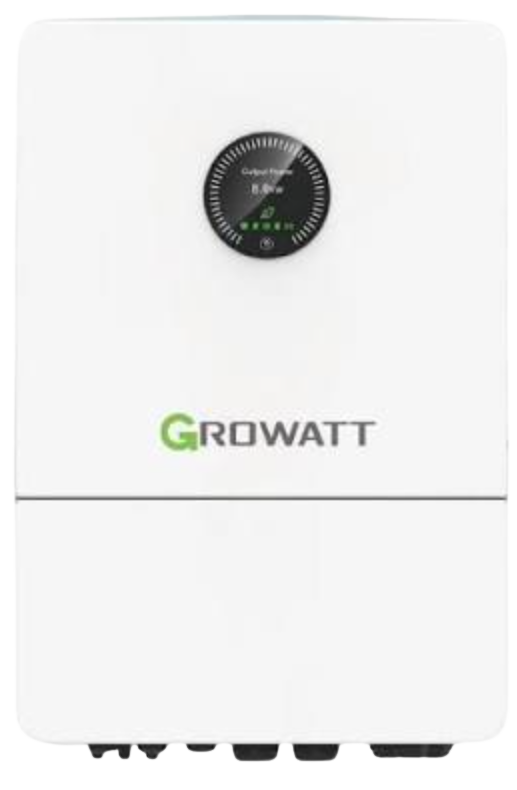
WiFi dongle
First, it is important to make sure that the SolarAssistant and the inverter are connected to the same Access point or router. This means you will have to have the initial setup for the inverter to get it connected to the router. Once you have them both connected to the same router, open the configuration page.
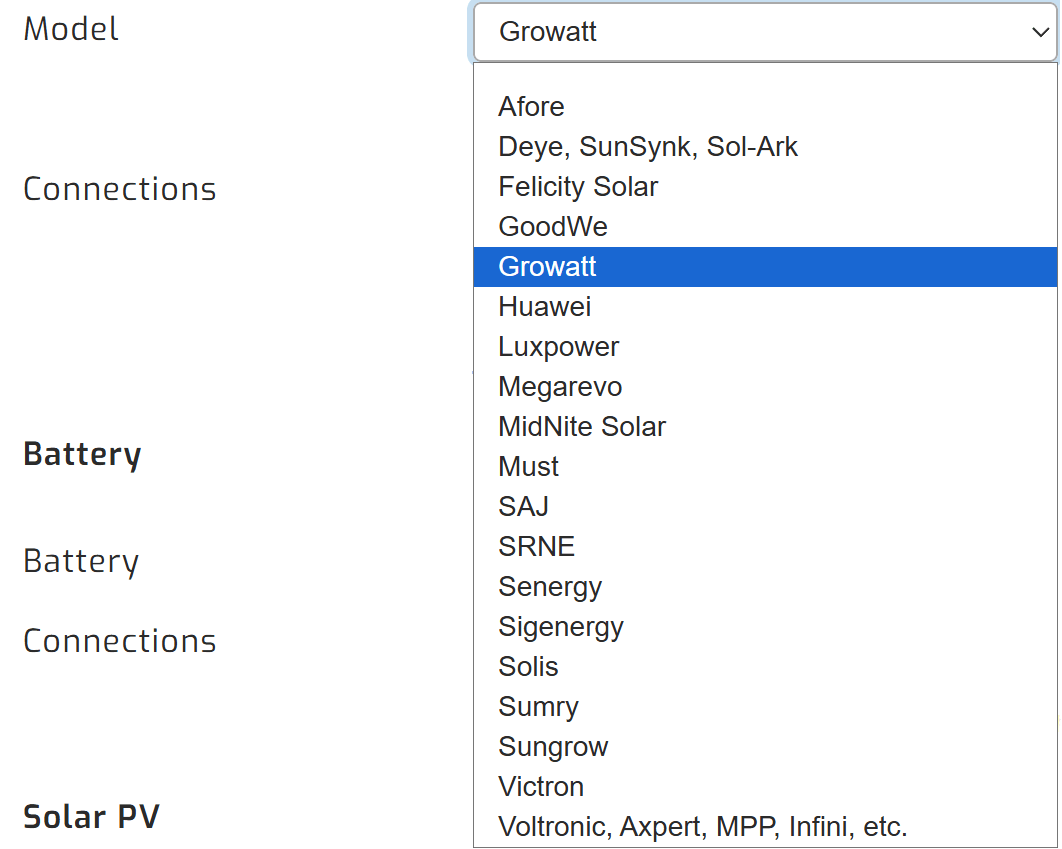
On the SolarAssistant configuration page, select "Growatt" inverter and then the "WIT" model.
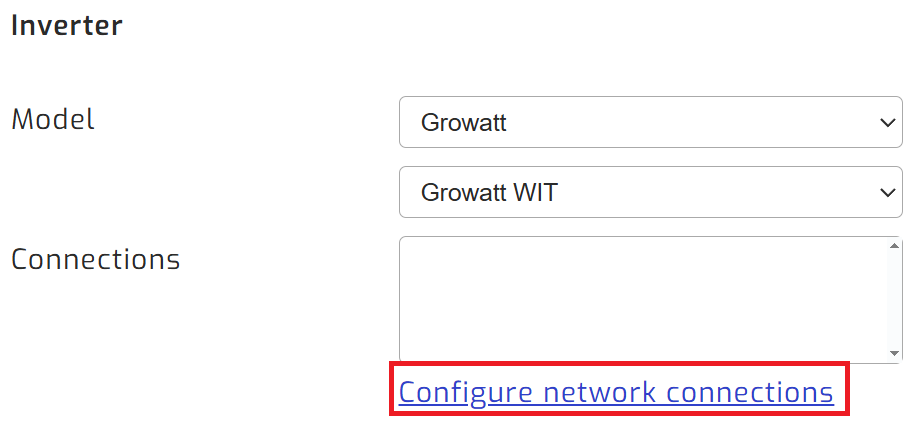
Then, open the Configure network connections page.
Once on that page, you should see a scan button. This will scan the connected network for Growatt inverters.
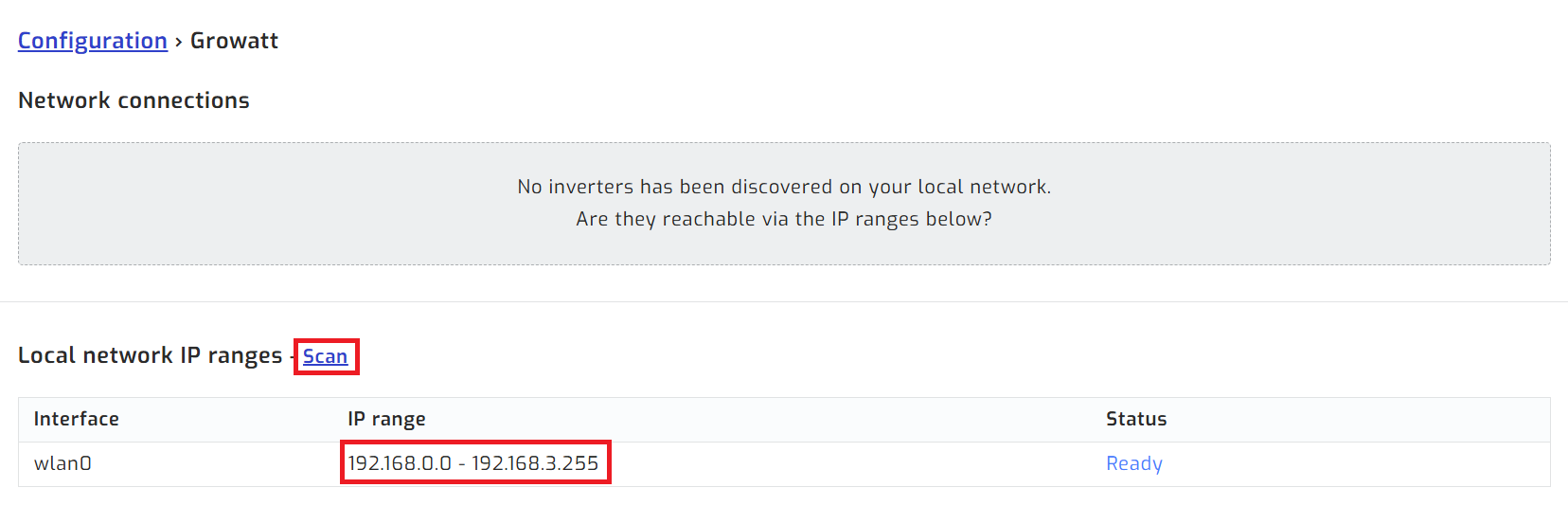
Note: If you are not finding a dongle, check that the dongle is using an IP address within the range shown, and there is a network log on the right-hand side to help with diagnosis.
Once you have the dongle selected, save and highlight the device on the configuration tab, then click connect: