
RS485 port
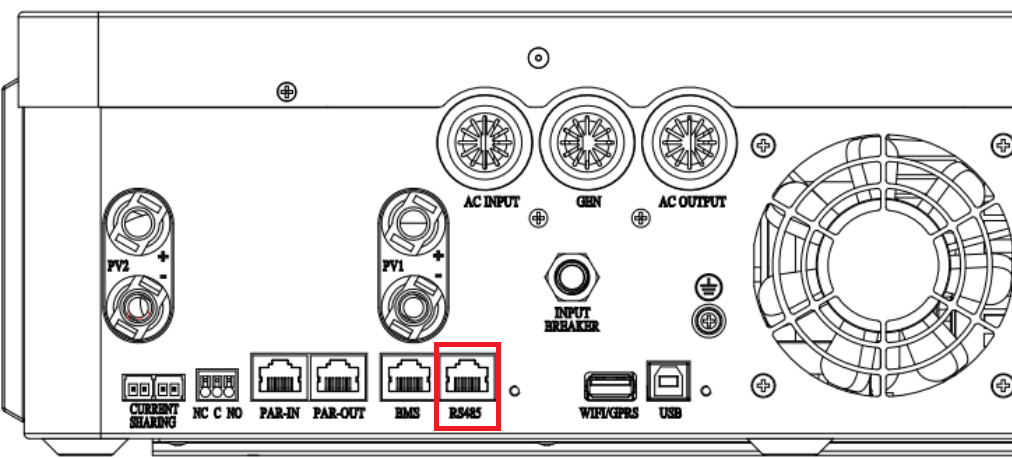
Plug a purpose-built Growatt RS485 cable into the RJ45 port labelled RS485 port (for expansion) on the inverter. This cable has a specific RJ45 pinout and can be purchased in our online store.
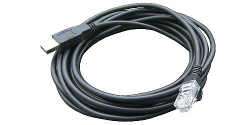
A random USB RS485 RJ45 cable from Amazon, eBay, Takealot, etc. will most likely not work unless it is specifically made for this inverter. You can also create your own cable using the pinout below.
| Pin 1 | RS485B |
| Pin 2 | RS485A |
If you prefer, you can still connect with a USB type B cable.
Steps in SolarAssistant
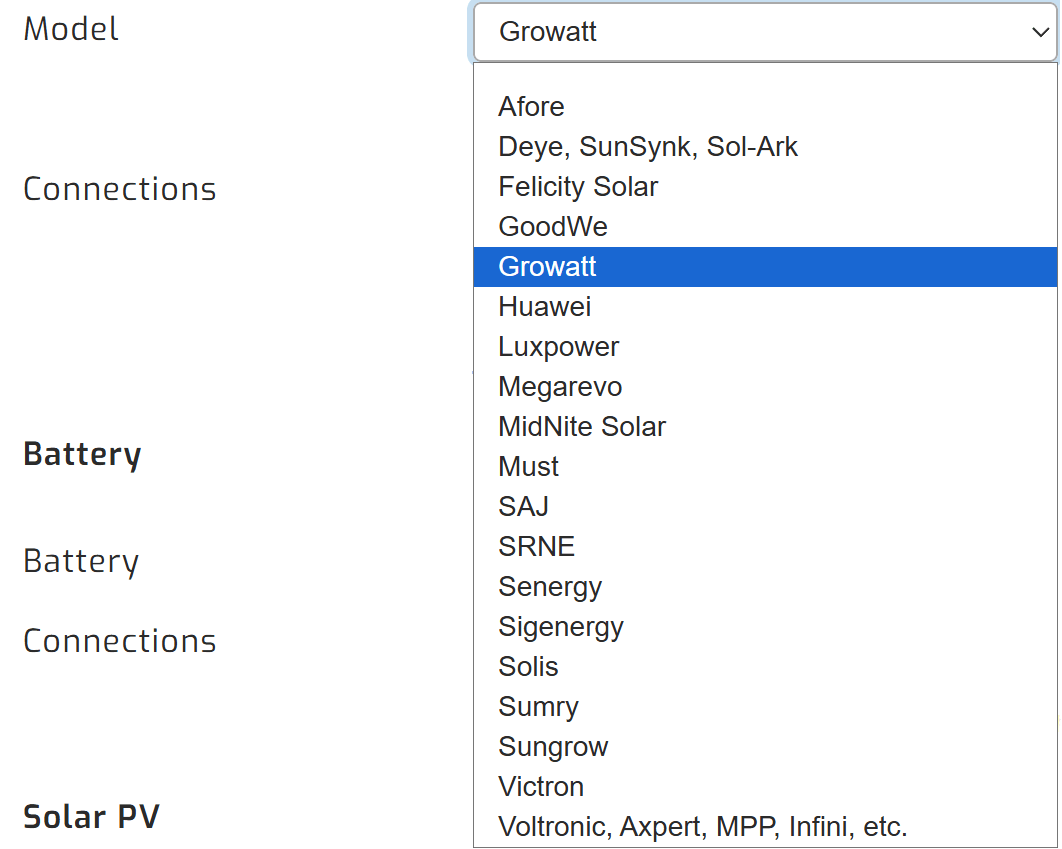
On the configuration page, select "Growatt" as your inverter model.
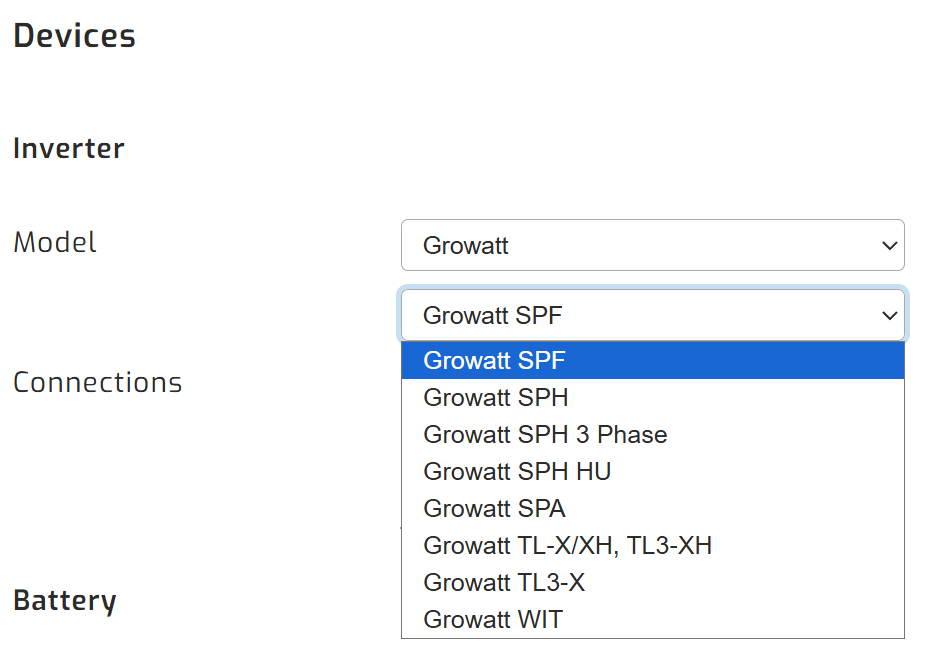
Then, make sure you select the relevant Growatt inverter model.
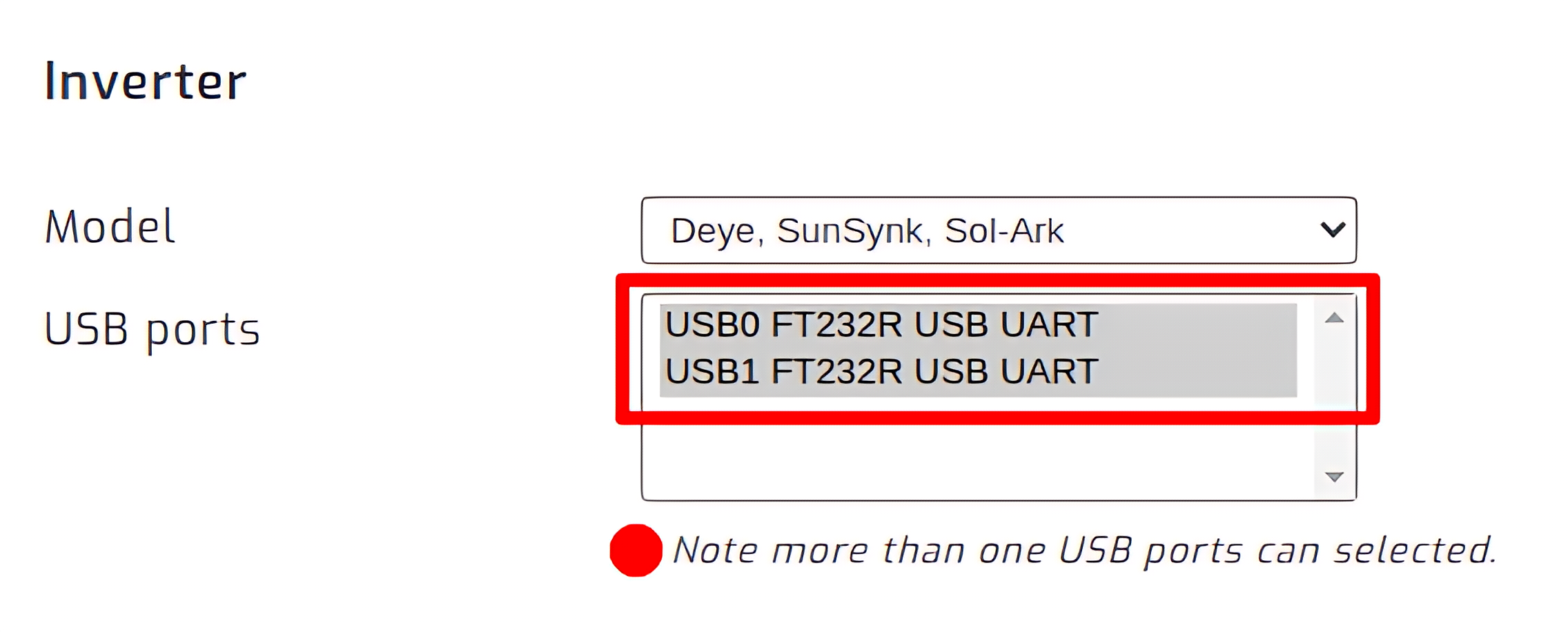
Select the USB port where your inverter is connected. If you have multiple inverters, select all of their ports.
Click connect:

Parallel installations
With Growatt inverters you will need to connect each inverter with its own cable.