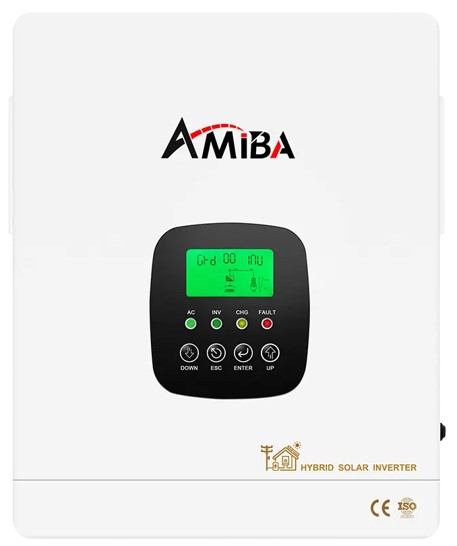
RS232/COM port
Use a Voltronic USB RS232 cable cable plugged into the
inverter port labelled "RS232" or "COM".
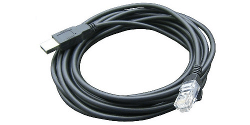
| Pin 1 | RX |
| Pin 2 | TX |
| Pin 8 | GND |
Alternatively you can use the WiFi dongle cable with a USB serial cable You can read more about the communication chips we recommend using here, and the pin configuration above:
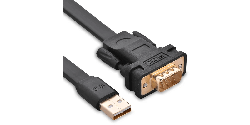
| Pin 2 | RX |
| Pin 3 | TX |
| Pin 5 | GND |
Steps in SolarAssistant
On the configuration page, select "Sumry" as your inverter model.
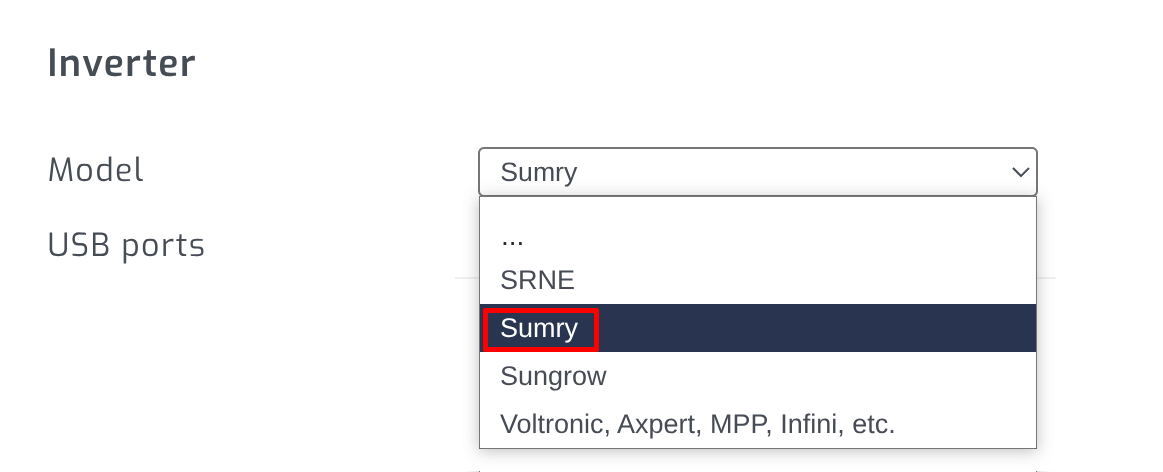
The cable you plugged in should show up as a USB port:

Click connect:
Parallel installations
With these inverters you will need to connect each inverter with its own cable.