Preparing your device
Overview
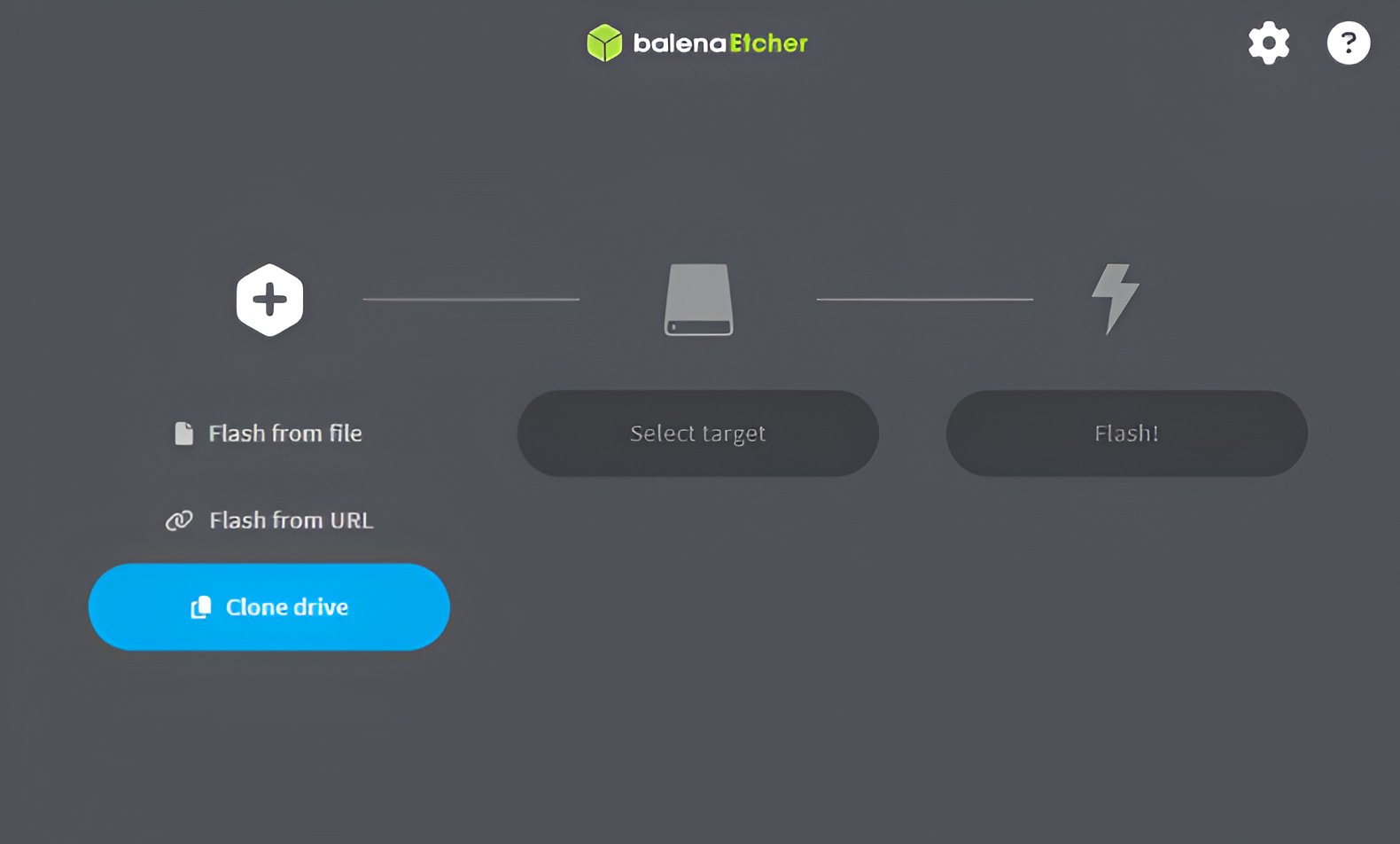
Balena Etcher is a great alternative to RPi Imager. This is because this tool has a simpler interface and may be easier to use. It sometimes gives errors when selecting the image, but closing and reopening the tool can often resolve these issues.
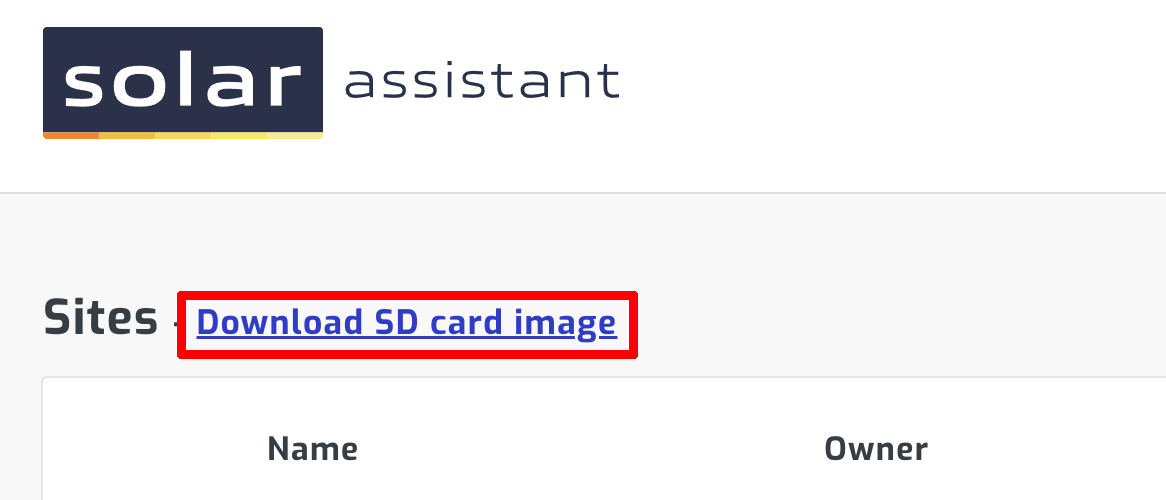
Step 1 - Download SD card image
You can download the SD card image on the sites page. It will require registration if you aren't already registered.
Step 2 - Install SD card writing tool
Download and install the latest Balena Etcher.
Step 3 - Flash SD card
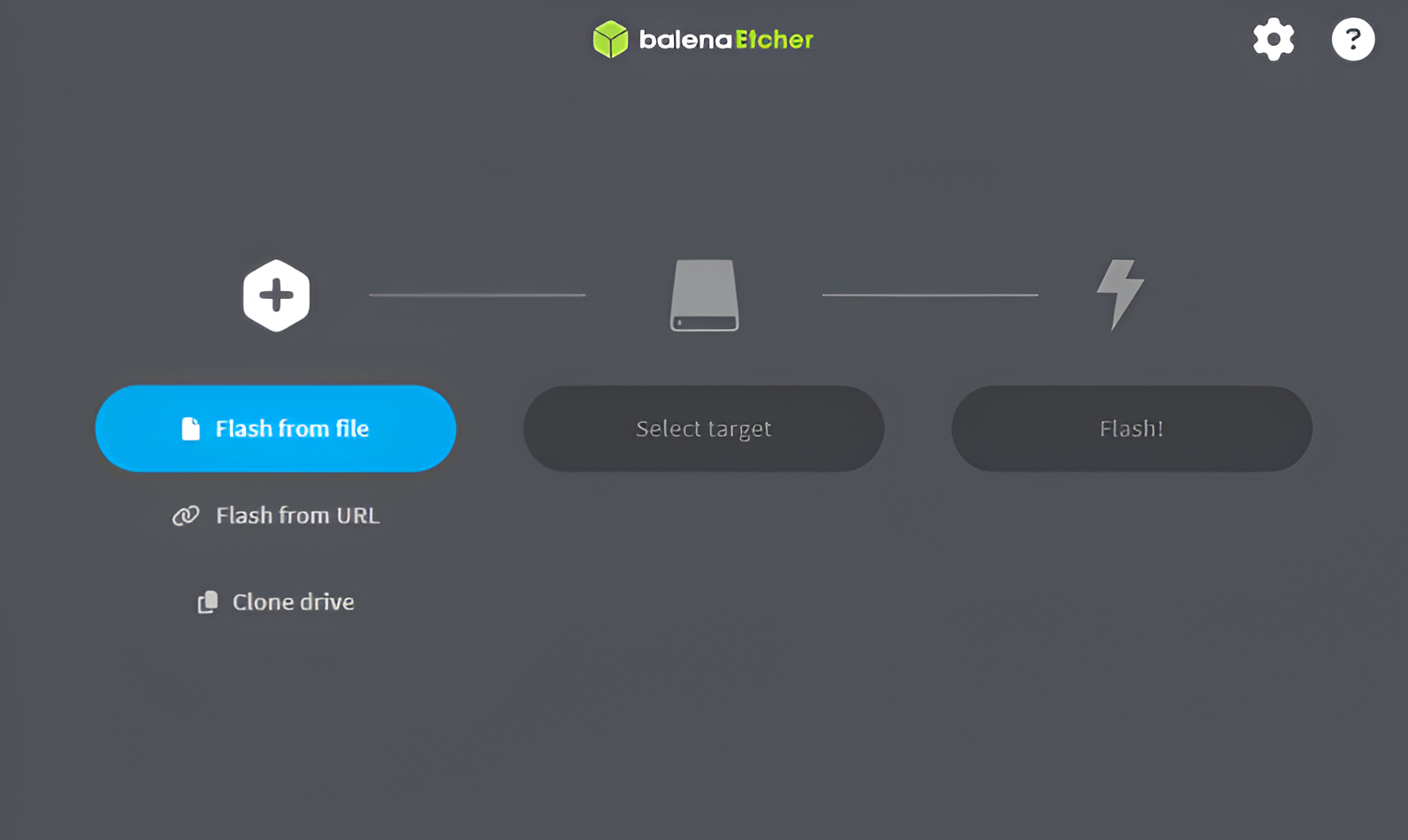
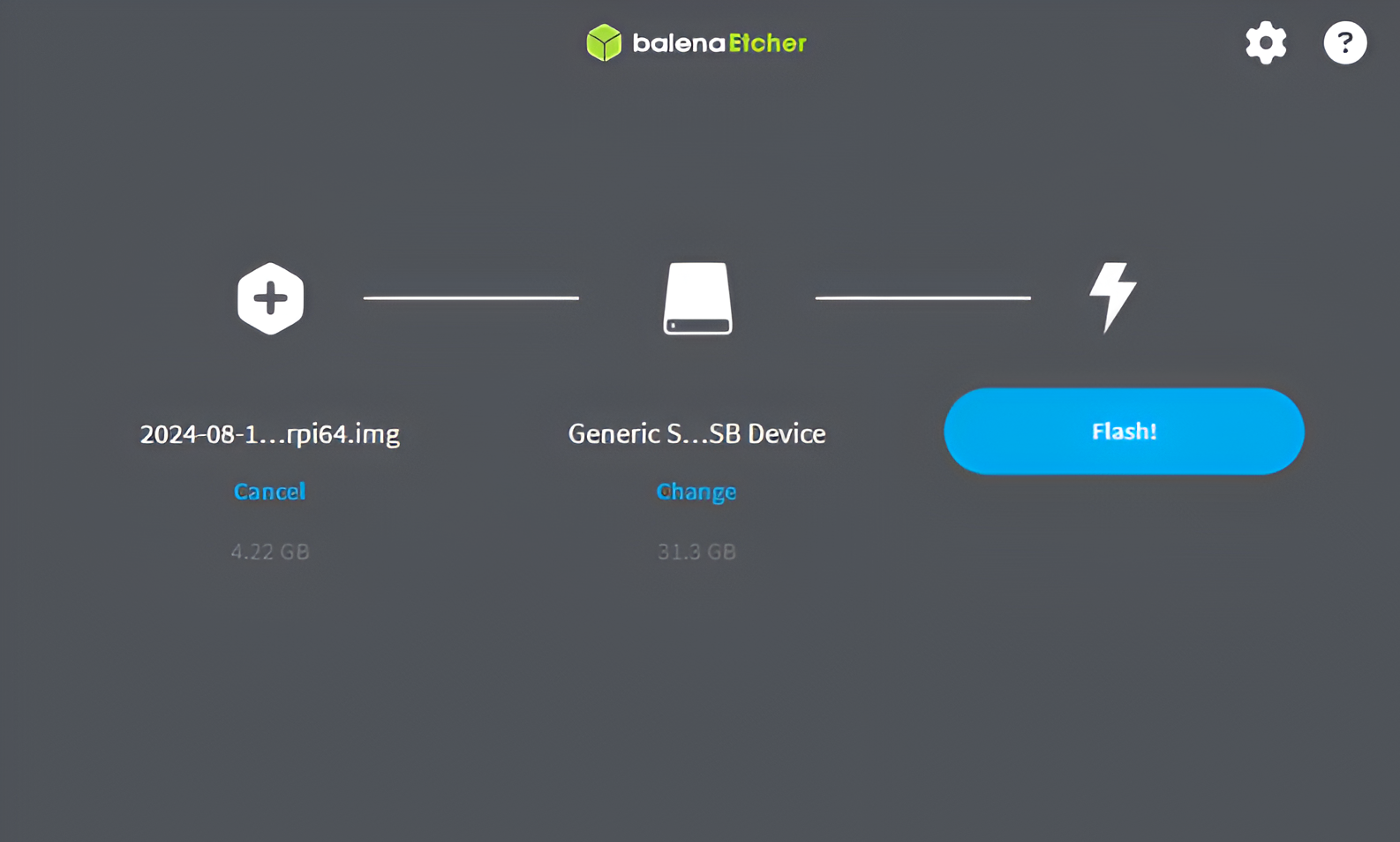
Start the Balena Etcher. For the next step, select "Flash from file" and select the image downloaded in step 1 as shown below.
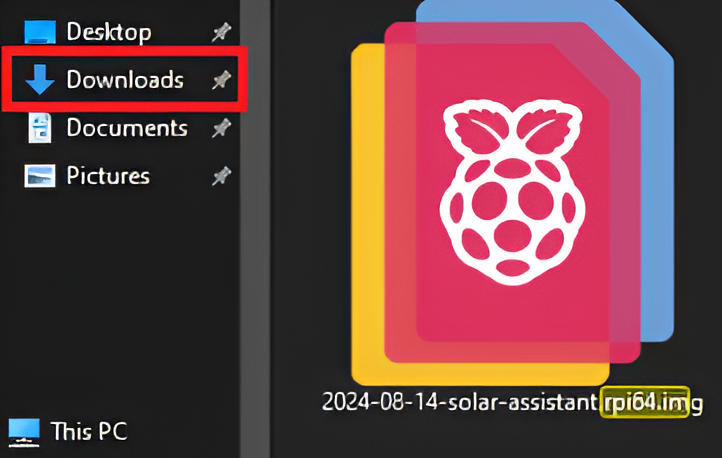
NB: Do not flash the downloaded ZIP file. Extract it and flash the ISO file inside it as shown below.
Then, you will need to select the storage device you would like to flash the image onto.
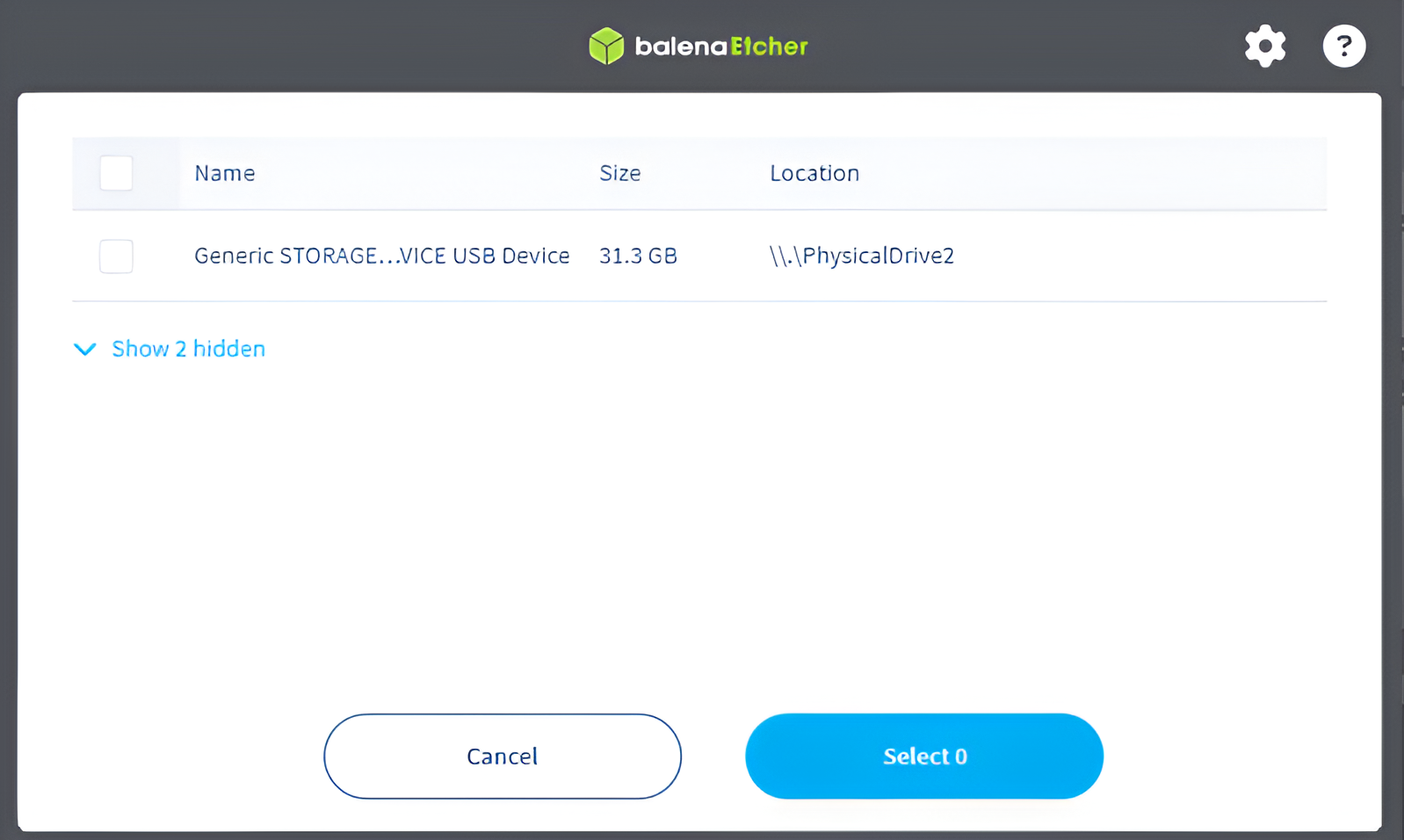
Note: Here you are able to select multiple storage devices at once, making it easier to prepare a large number of devices.
Lastly, you will need to click "Flash" to start the flashing process. You will then have to accept that the SD card will be erased and all data will be lost.
Step 4 - Start monitoring device
Insert the SD card in the Pi and turn it on. You should see a WiFi hotspot named SolarAssistant appear, unless you have an ETH cable plugged in. Continue with one of the guides below:
Troubleshooting
If you find the device is not booting, or it only shows a solid red LED when booting but after the flash, it is more than likely a "bad" flash. You may have to repeat the process again, just make sure that you are selecting the ".img" file and not the ".zip" file you downloaded. You will need to unzip that file before doing the flash. If that does not help, you may consider redownloading the image and trying again.
Bulk flashing
You can read more about bulk flashing and actication here.
Cloning SD cards
This is something that is possible with Balena Etcher as shown below: