Dashboard
PV forecast
The main dashboard displays the predicted and current solar PV power generation, as well as the predicted cloud cover and weather.
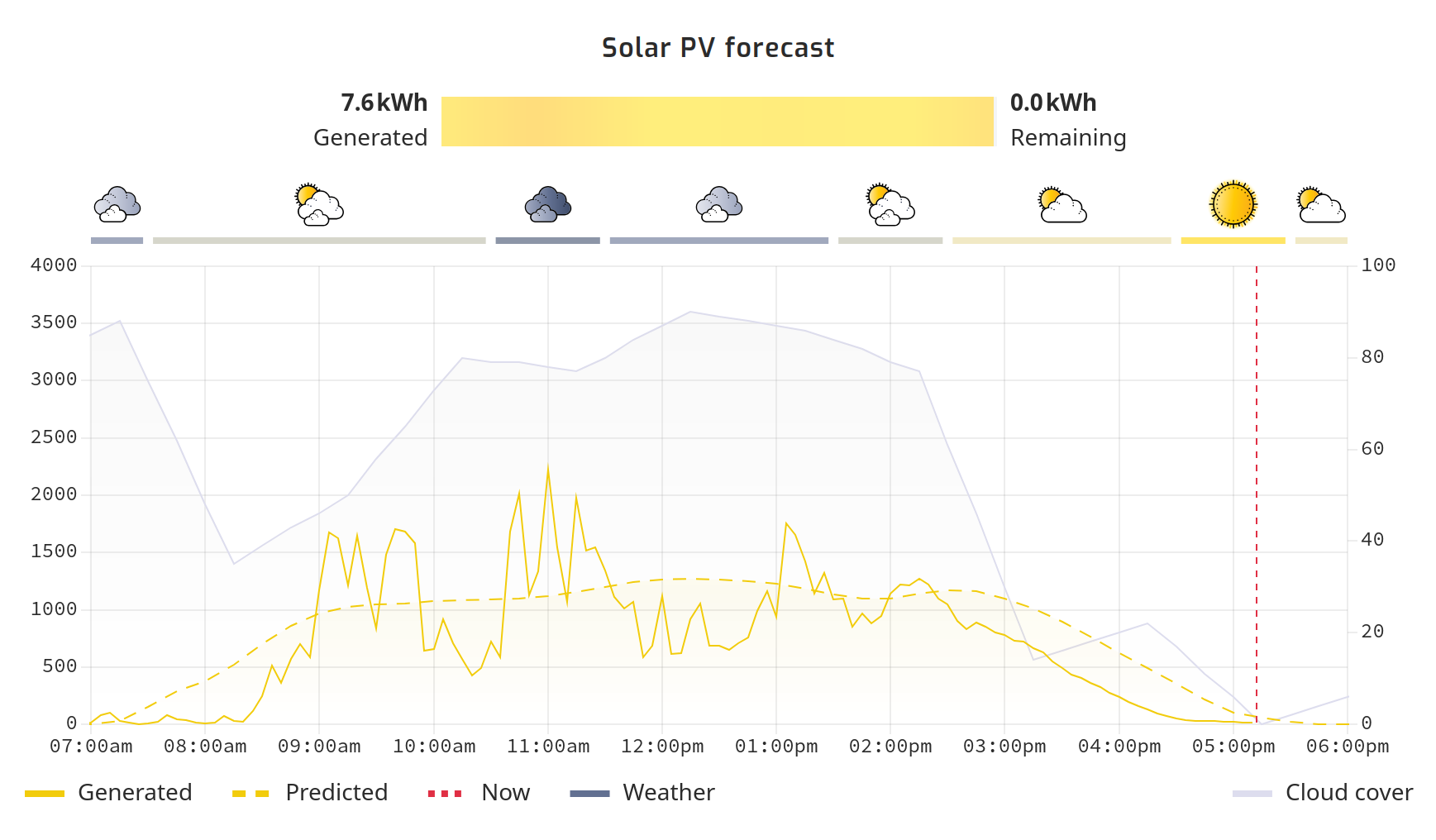
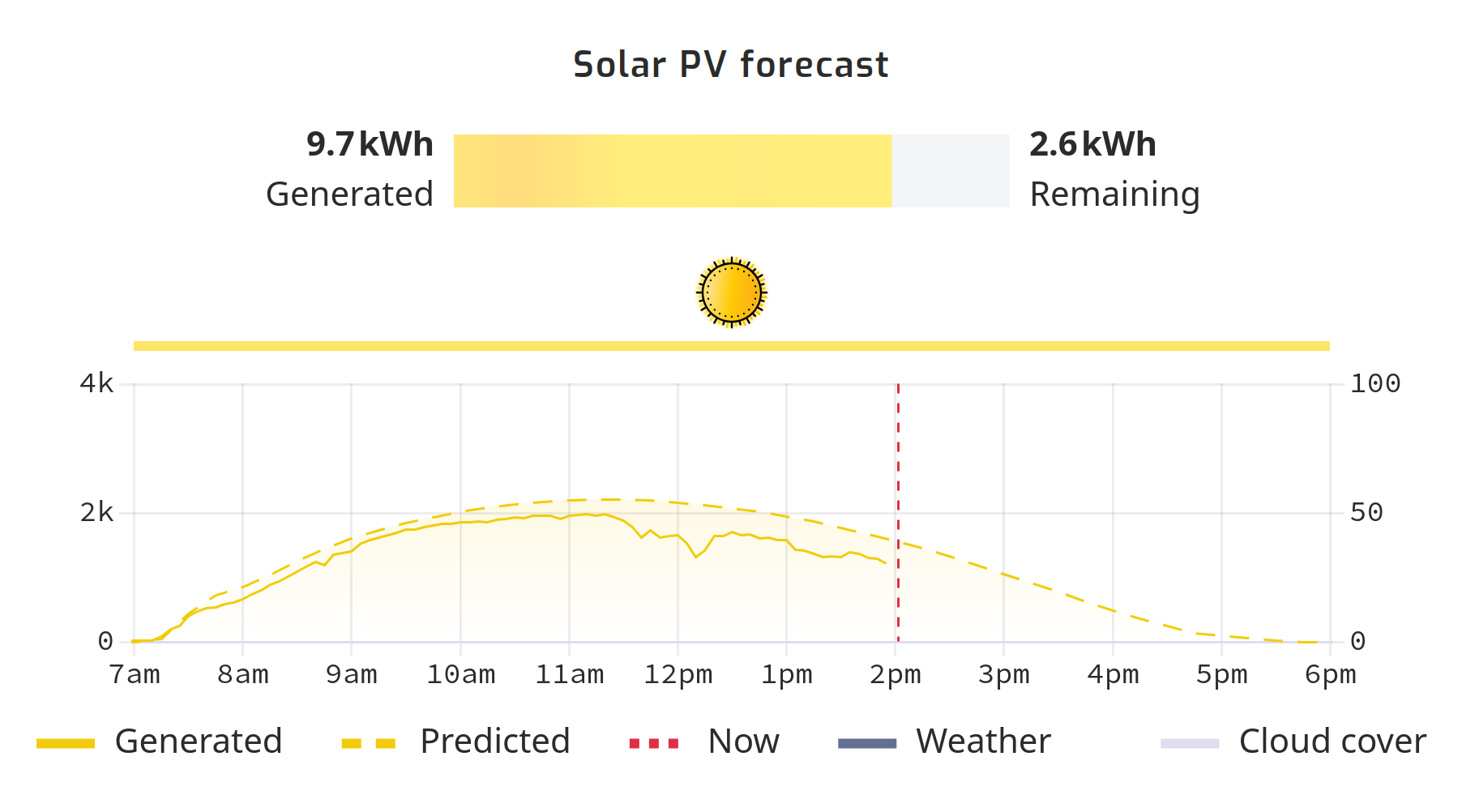
Where does the data come from?
The weather information, and location searches use the open-meteo.com API and is queried from the gateway device itself.
Settings
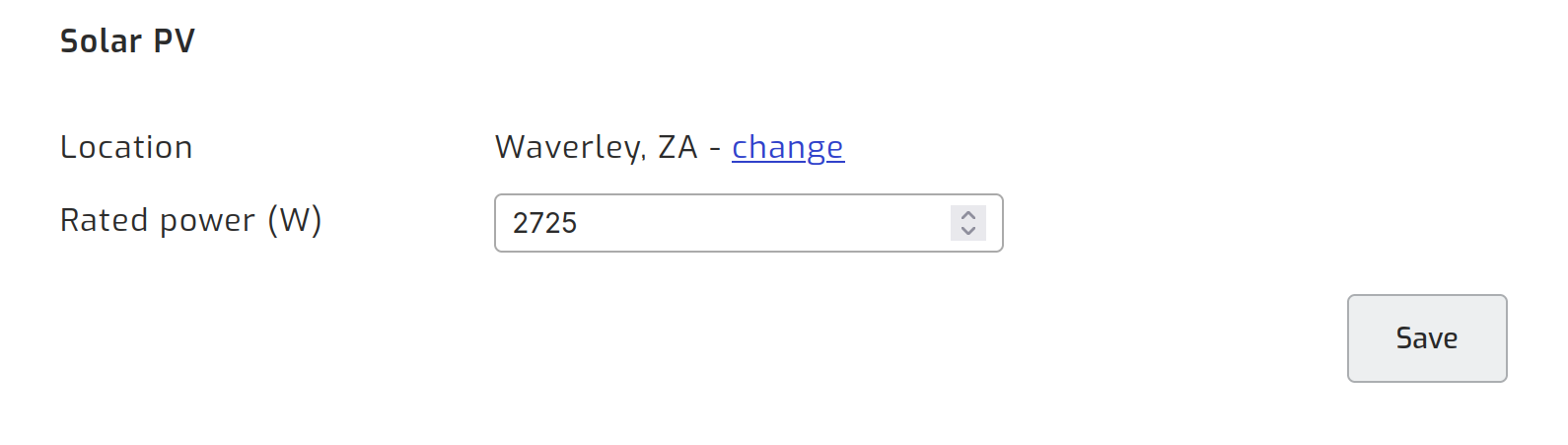
To get good prediction results, set the location and rated power of the solar panels in the Configuration section under Devices.
Advanced settings
Setting the correct location and panel angles under the advanced settings, will improve the results.
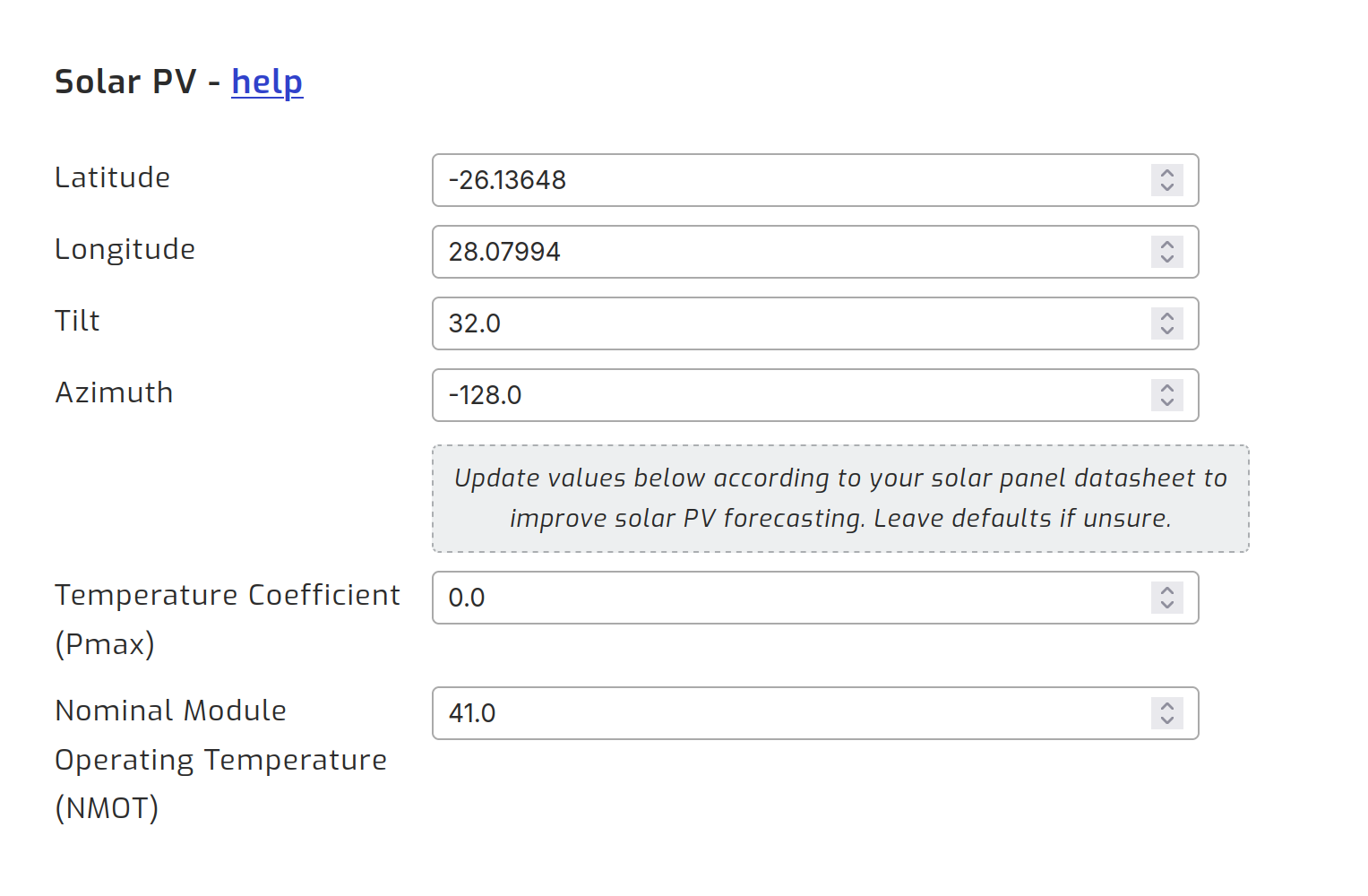
Tilt is how far the panel is tipped up from flat, in degrees. A panel lying flat, facing straight up at the sky, is 0. A panel standing upright, facing the horizon, is 90. Roof mounted panels sit somewhere in between, so use the pitch of the roof.
Azimuth is the compass direction the panel faces, in degrees, measured from south. Use 0 for south, -90 for east, 90 for west and 180 (or -180) for north. Anything in between follows the same pattern: panels facing south west are 45, and panels facing south east are -45.
Set both values to match your actual installation. If your predictions are then consistently too high or too low, adjust the Rated power described below rather than changing the tilt or azimuth.
Multiple strings of panels
SolarAssistant does not currently support strings of panels that face different directions. It is recommended to just use the average facing direction of the panels for now.
Rated power
When it comes to the Rated power (W), SolarAssistant uses this value to estimate the maximum power output of the panels. If you use the designed rated power from the manufacturer, you may see some predictions be a little higher than expected. This is because the pannels have a designed rating and an operational rating. The temperature of the pannel, shade, sun direction and many other factors can affect the actual power output. So you may need to adjust this value based on the realistic performance of the system.
If you don't know the rated power, you can use historical data to estimate it. If you look at your system's historical data, you can see the average power output over time and use that to estimate the rated power. Otherwise, you can also look for the maximum power output from the system when charging batteries and powering loads. This would offer more realistic estimation that takes all the aforementioned loss factors into account.