Connecting a Pylontech battery
US2000A/B, US3000A/B, UP2500
Use the RJ11 Pylontech Console cable. Select the Pylontech protocol in SolarAssistant. SolarAssistant and an inverter can read the battery at the same time.
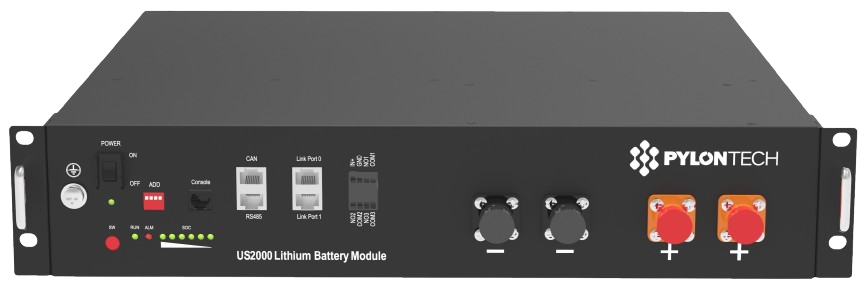
US2000C, US3000C, US5000C, UP5000
This battery has an RJ45 RS232 port, unlike the batteries above.
Use the RJ45 Pylontech Console cable. Select the Pylontech protocol in SolarAssistant. SolarAssistant and an inverter can read the battery at the same time.
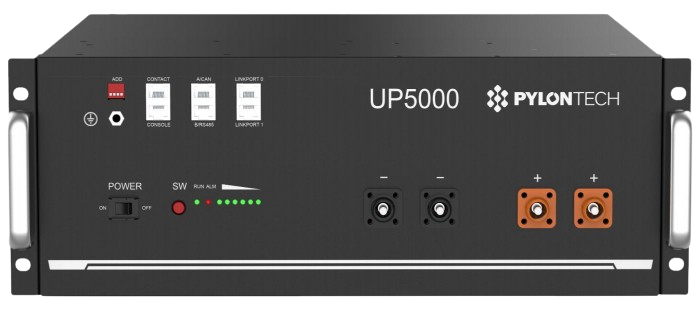
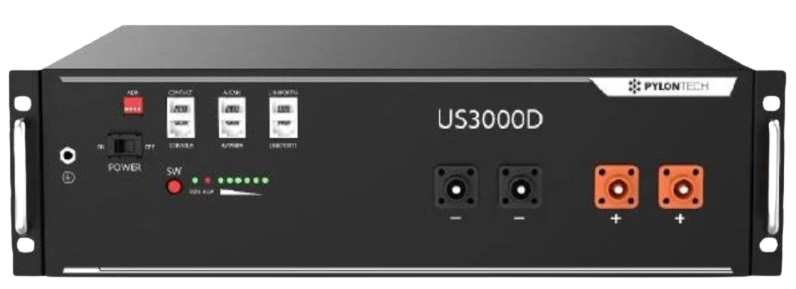
US3000D
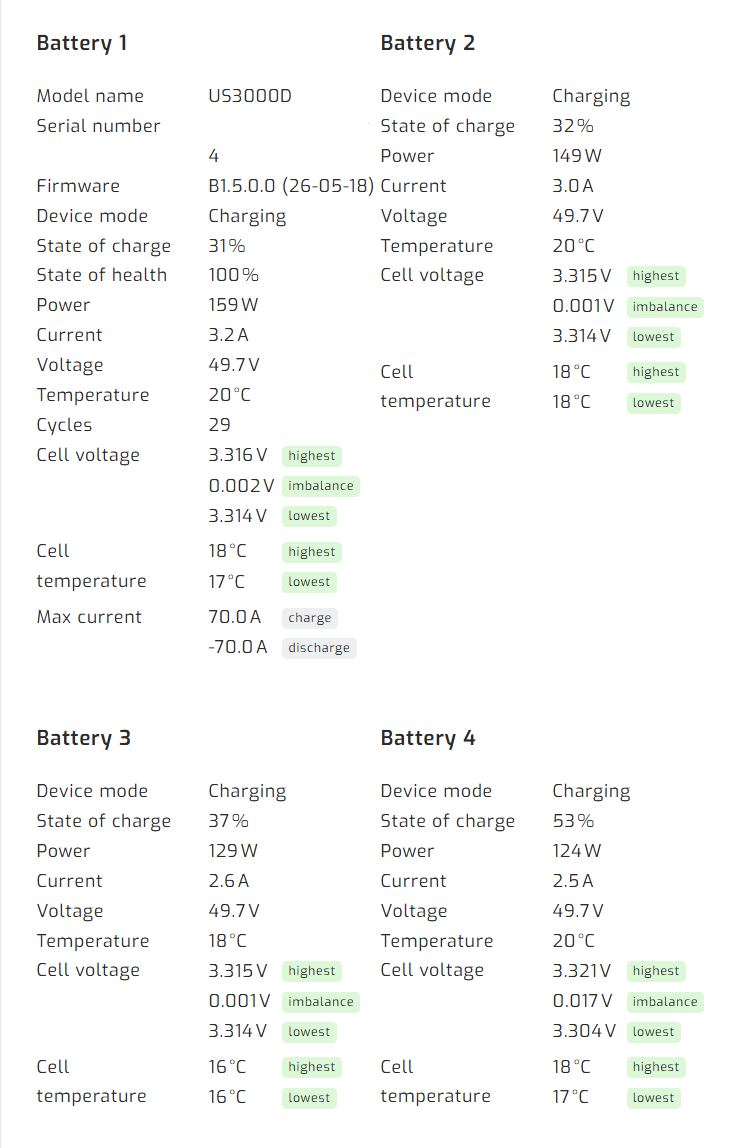
Support for this battery is under development. Slave battery metrics are less comprehensive when this battery is involved. These units use a different protocol to the others, so when a US3000D is the master of the bank it does not send all of the slave battery data and reports only the most essential values.
Use our RJ45 Pylontech Console cable. Select the Pylontech protocol in SolarAssistant. SolarAssistant and an inverter can read the battery at the same time.
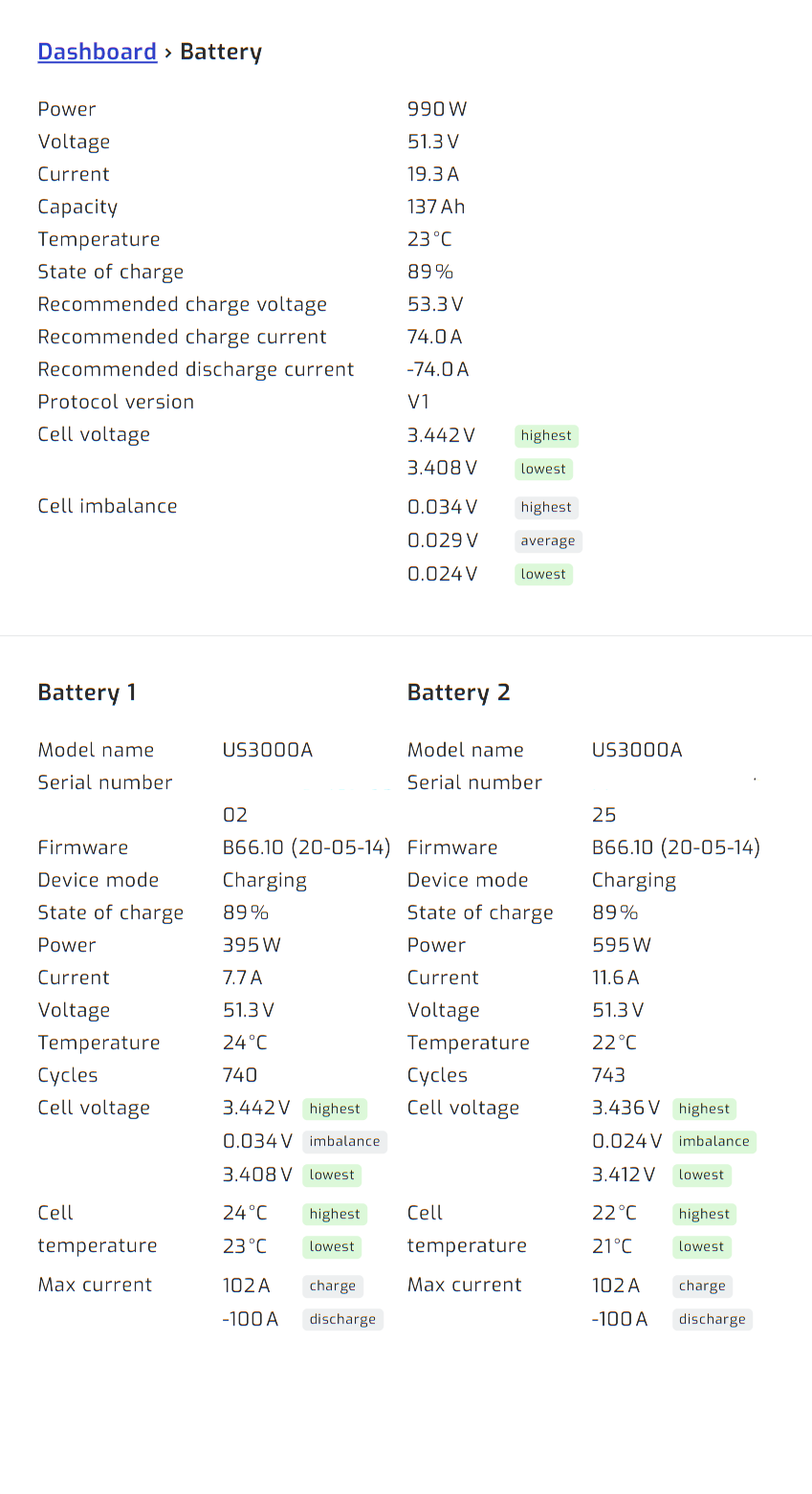
Result
Once you press connect in SolarAssistant, you should see each pack show up under the battery section.
Troubleshooting
Make sure all of the batteries are running the latest firmware. Older batteries often fail to communicate with newer ones after a protocol change, so update every BMS before troubleshooting further.
Make the newest battery the master of the bank. Pylontech themselves specify that the latest battery must be the master and the one connected to the inverter, and in a mixed bank it takes priority as master. This also makes a significant difference to the metrics SolarAssistant can read, so confirm the master is one of the newer batteries.
With a US3000D as the master of the bank, only the master battery reports comprehensive metrics while the rest report less. This is a known limitation caused by the way these devices communicate.
Console Interaction
Use the console to interact with the battery directly — view its status, read its data output, and perform other operations.
Note: You cannot use the console while SolarAssistant is reading the battery. First open the configuration tab and click Disconnect to stop polling the device. Then add /battery/pylontech/console to your site's URL to open the console page. It works like the standard Pylontech Console — type help for a list of available commands.