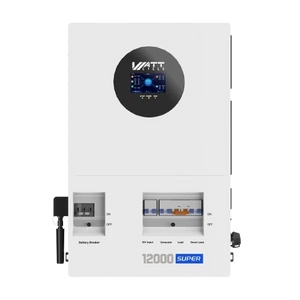
Step 1 - Navigate to inverter settings
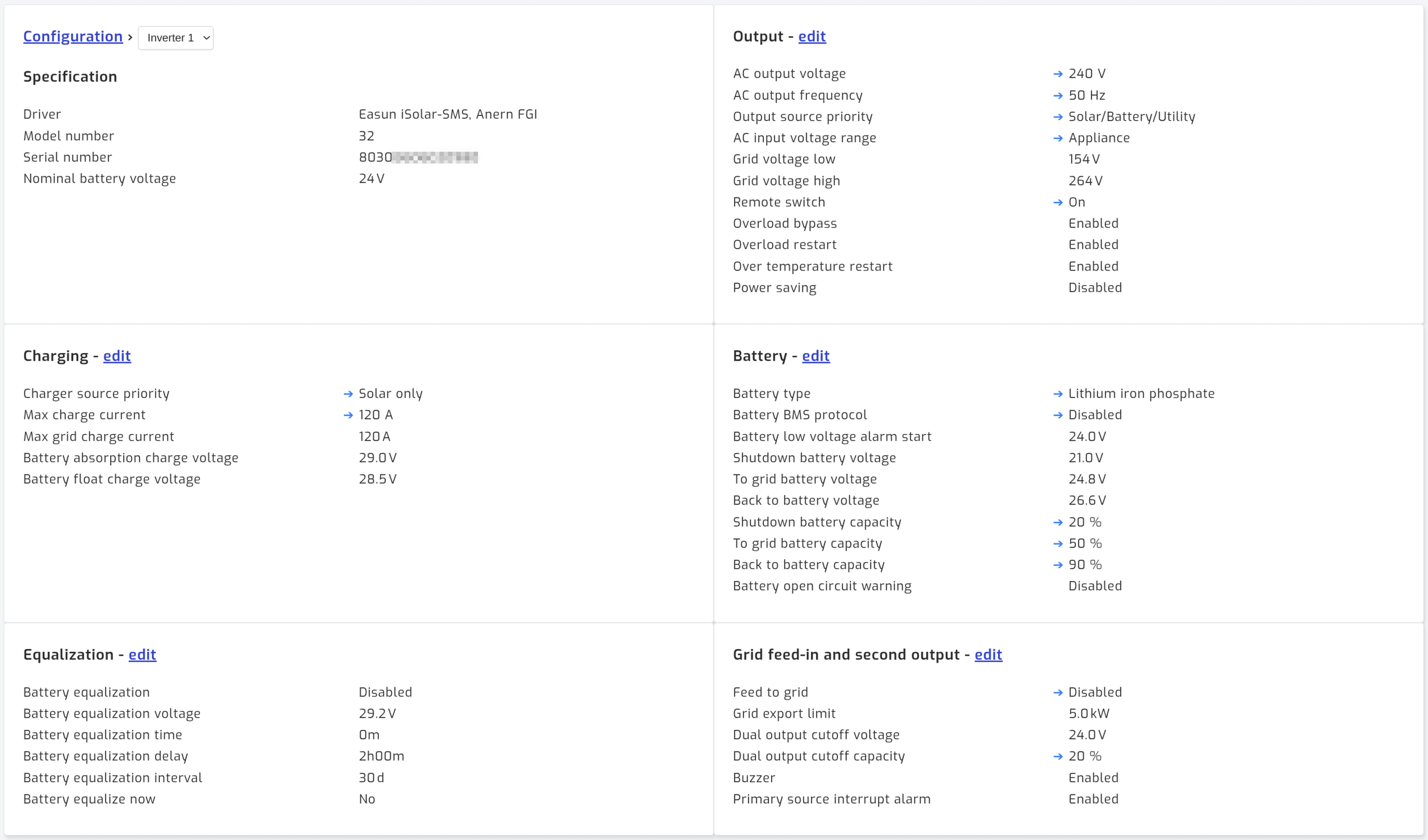
On the configuration tab, navigate to the inverter settings page. This is reached by clicking on the "Settings" link below the inverter connection. The image below shows the "Settings" available via the inverter settings page.
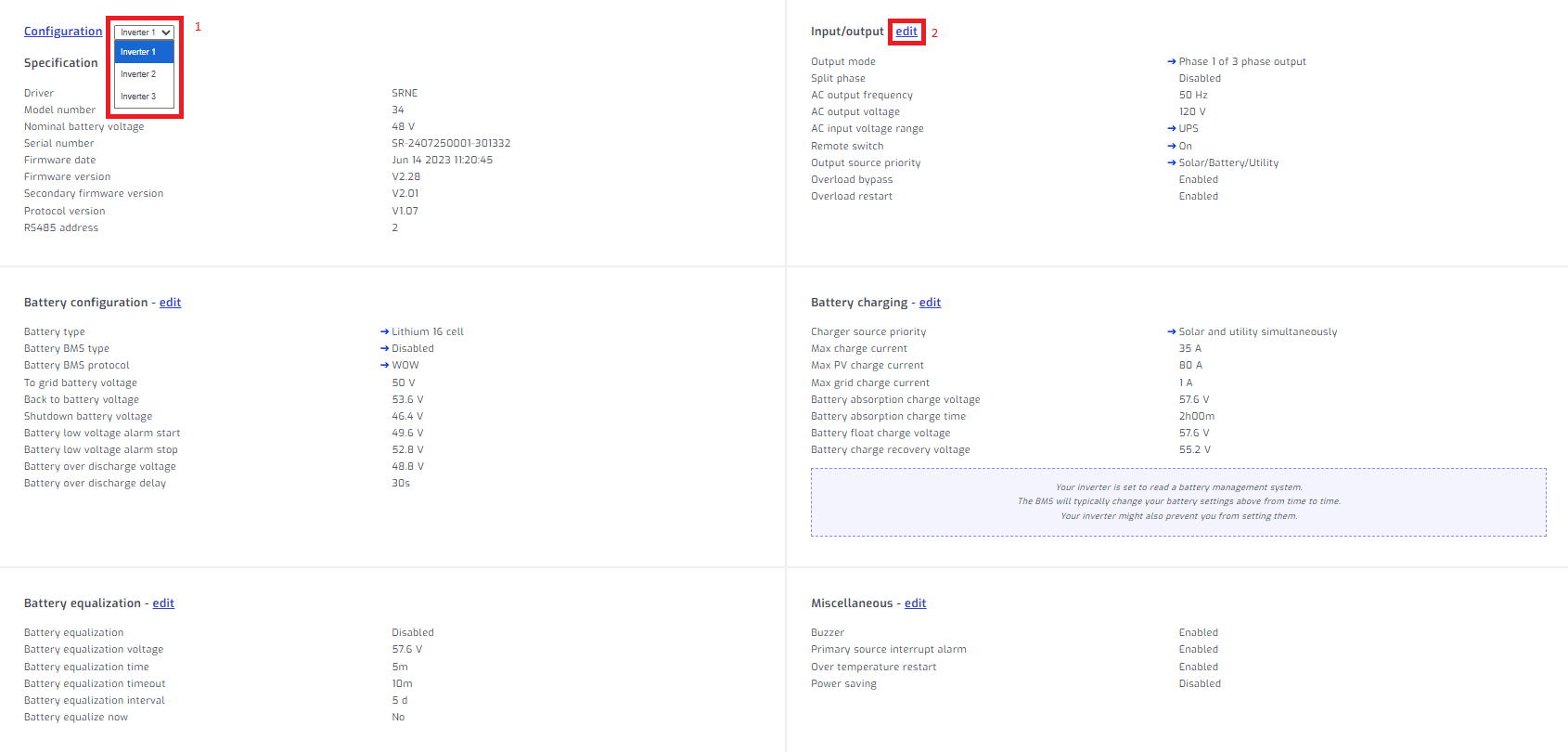
Step 2 - Enter edit mode
If you have parallel inverters, select the inverter. Select edit on section you would like to edit.
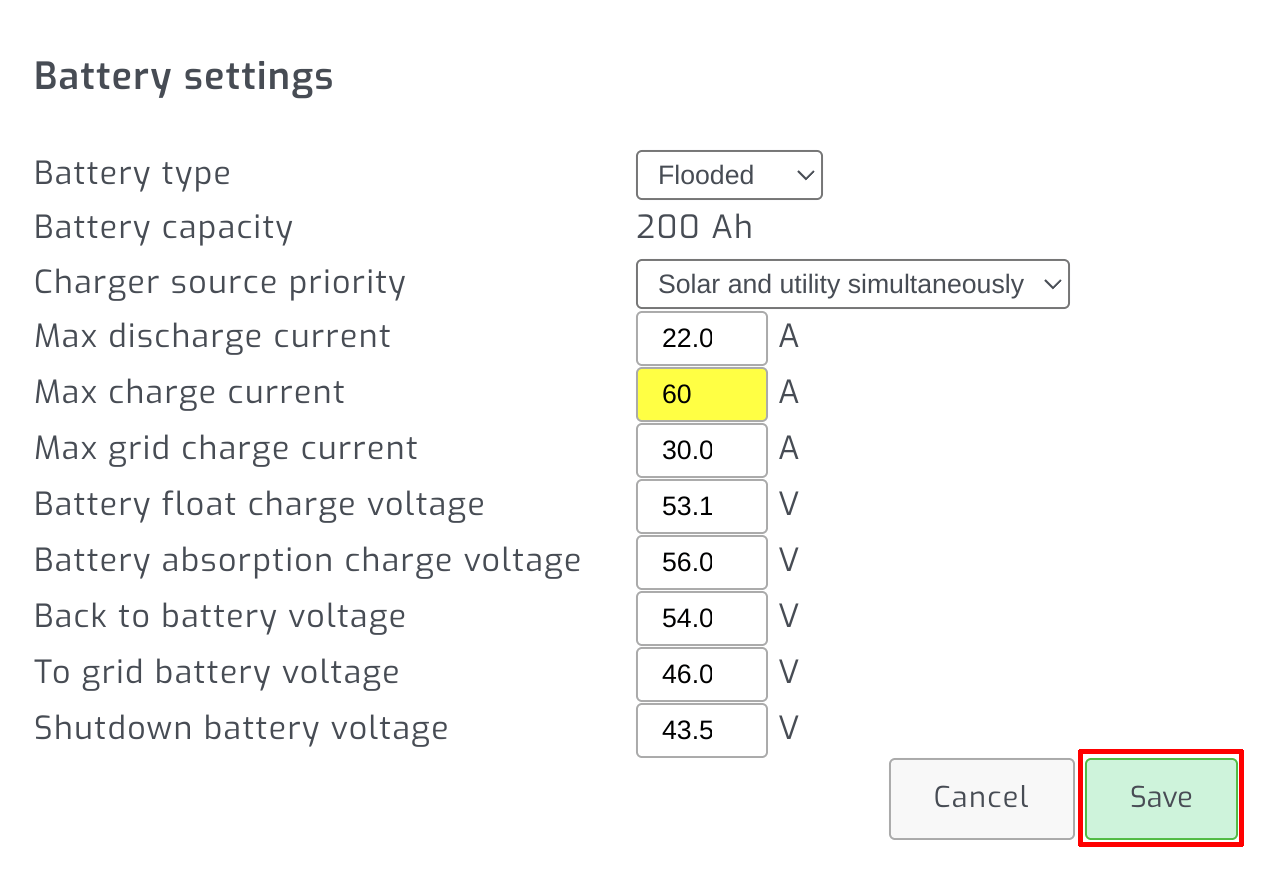
Step 3 - Change setting and save
Change the setting you would like to adjust and press save.
To change how the inverter uses solar, grid and battery power, see power management.