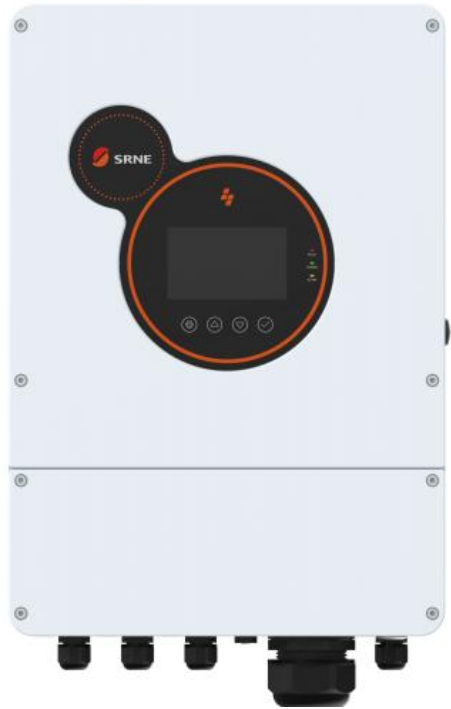
WiFi dongle
First, it is important to make sure that the SolarAssistant and the dongle are connected to the same Access point or router. This means you will have to have the initial setup for the dongle to get it connected to the router. Once you have them both connected to the same router, open the configuration page.
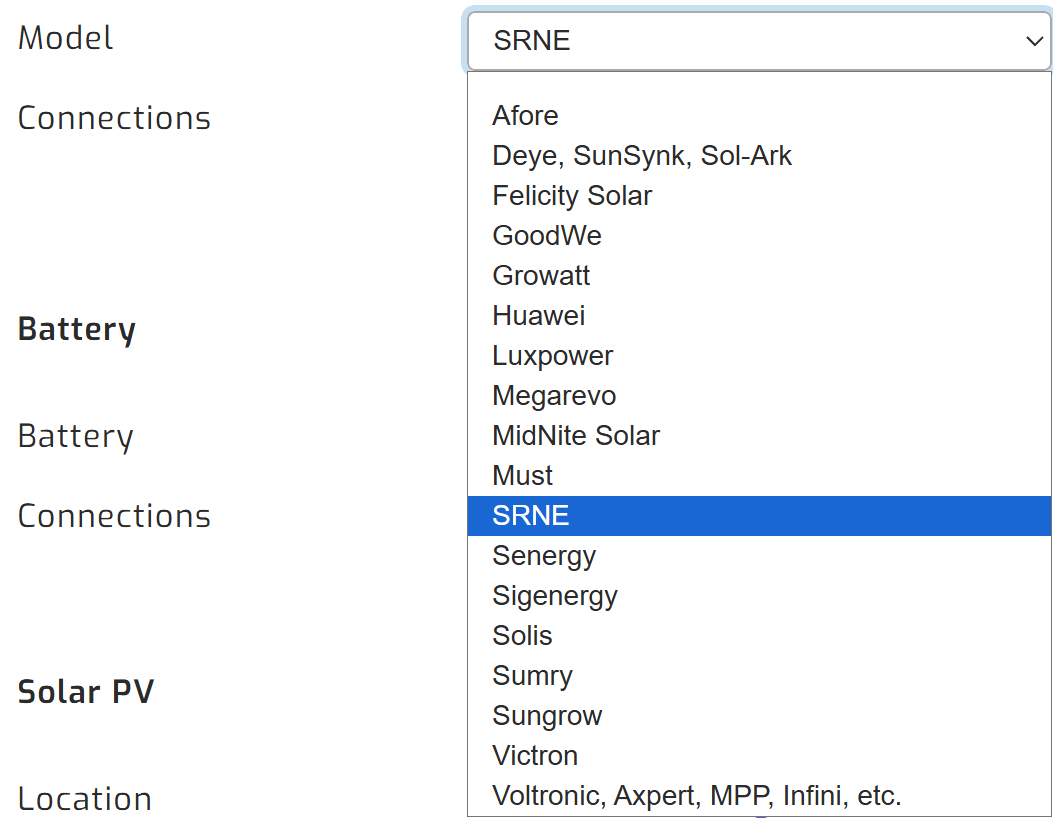
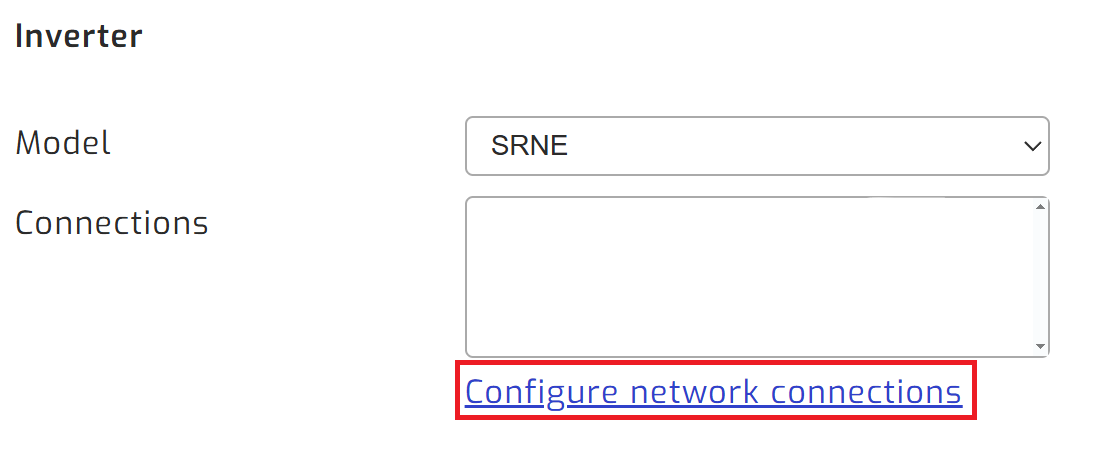
On the SolarAssistant configuration page, select the SRNE protocol and then "Configure network connections".
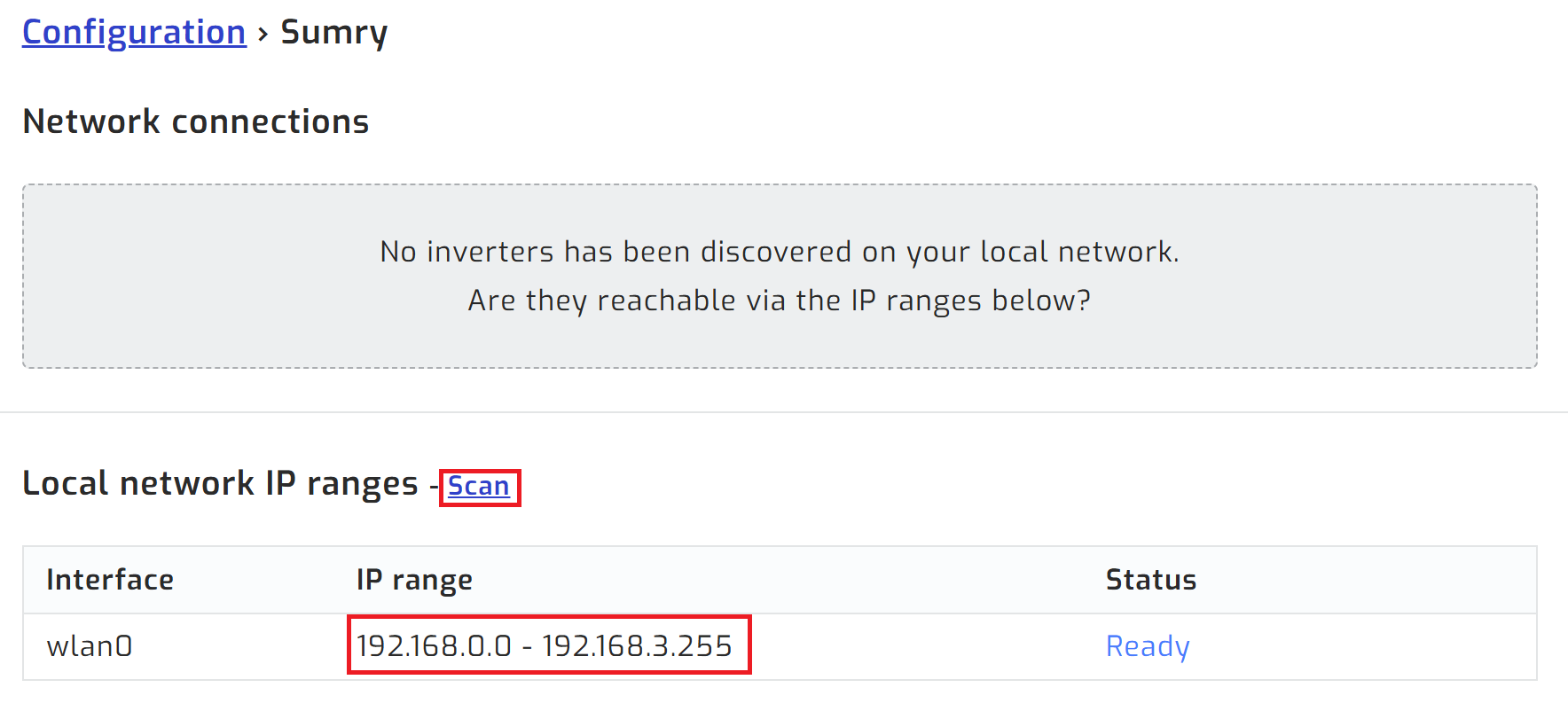
Then, open the Configure network connections page.
Once on that page, you should see a scan button. This will scan the connected network for dongles.
Once you have the dongle added to the list, save and highlight the device on the configuration tab, then click connect: