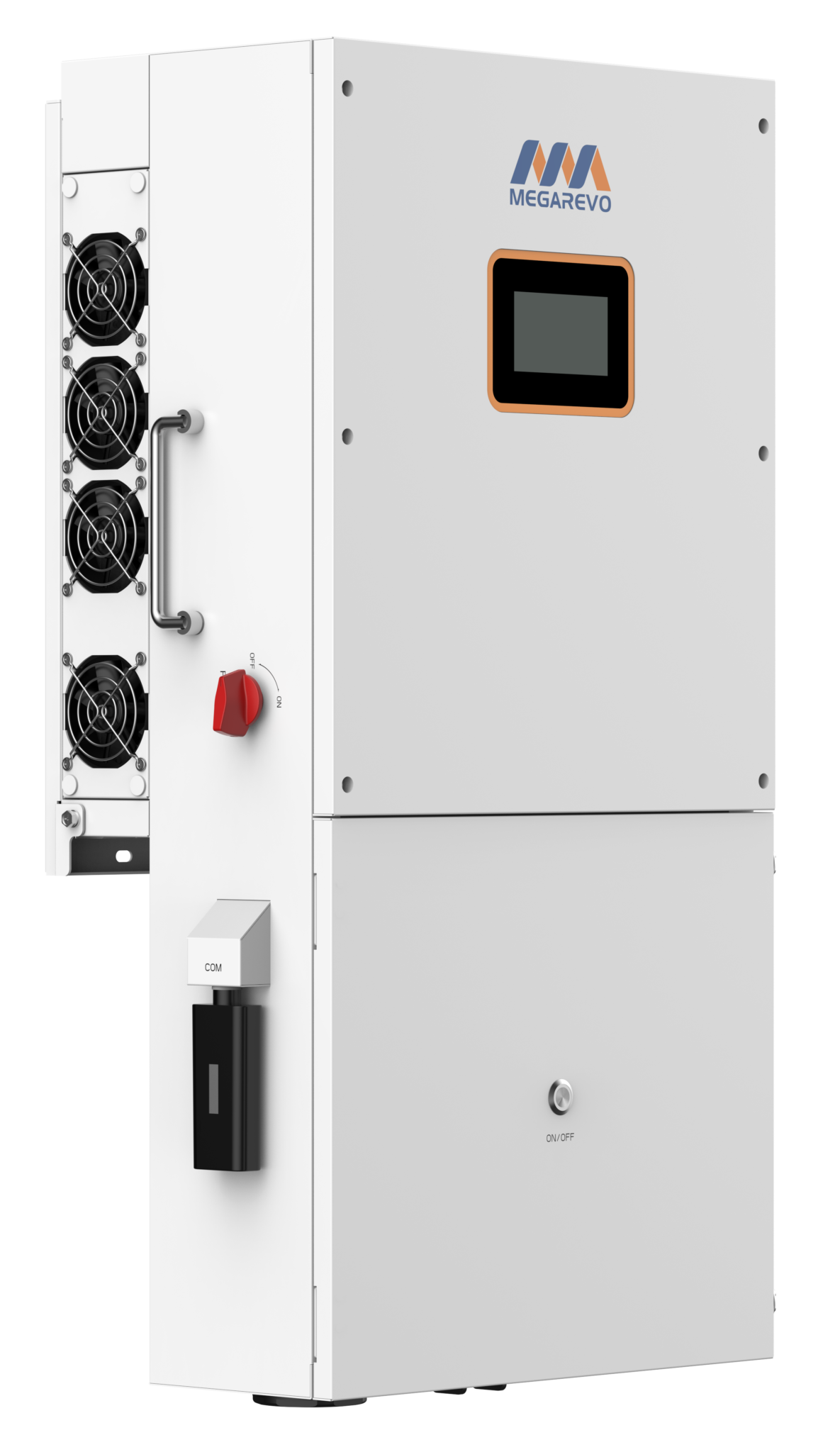
RS485 port
A custom cable needs to be created for the COM port of this inverter. It's the same port that the WiFi dongle/logger reads the inverter data from. SolarAssistant and the WiFi dongle/logger can not be used at the same time.
Wire our uncrimped RS485 cable into your inverter according to the diagram below. Only RS485A and RS485B need to be connected. Ground can optionally be connected although it's not required.
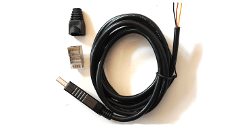
| Pin 1 | +5V |
| Pin 2 | RS485 A |
| Pin 3 | RS485 B |
You can also explore alternative RS485 adapters.
Steps in SolarAssistant
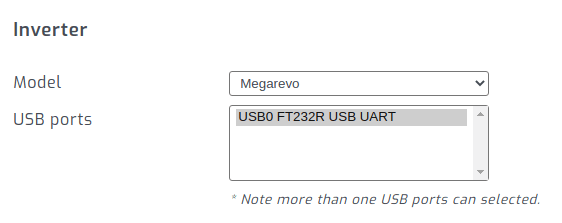
Select the USB port where your inverter is connected. If you have multiple inverters, you need to multi-select all of them.
Click connect:
Parallel installations
With Megarevo inverters you will need to connect each inverter with its own cable.