Step 1 - Navigate to the power management section
Select the tab as shown below to open the power management section.

Step 2 - Review and edit work mode and time-of-use schedule
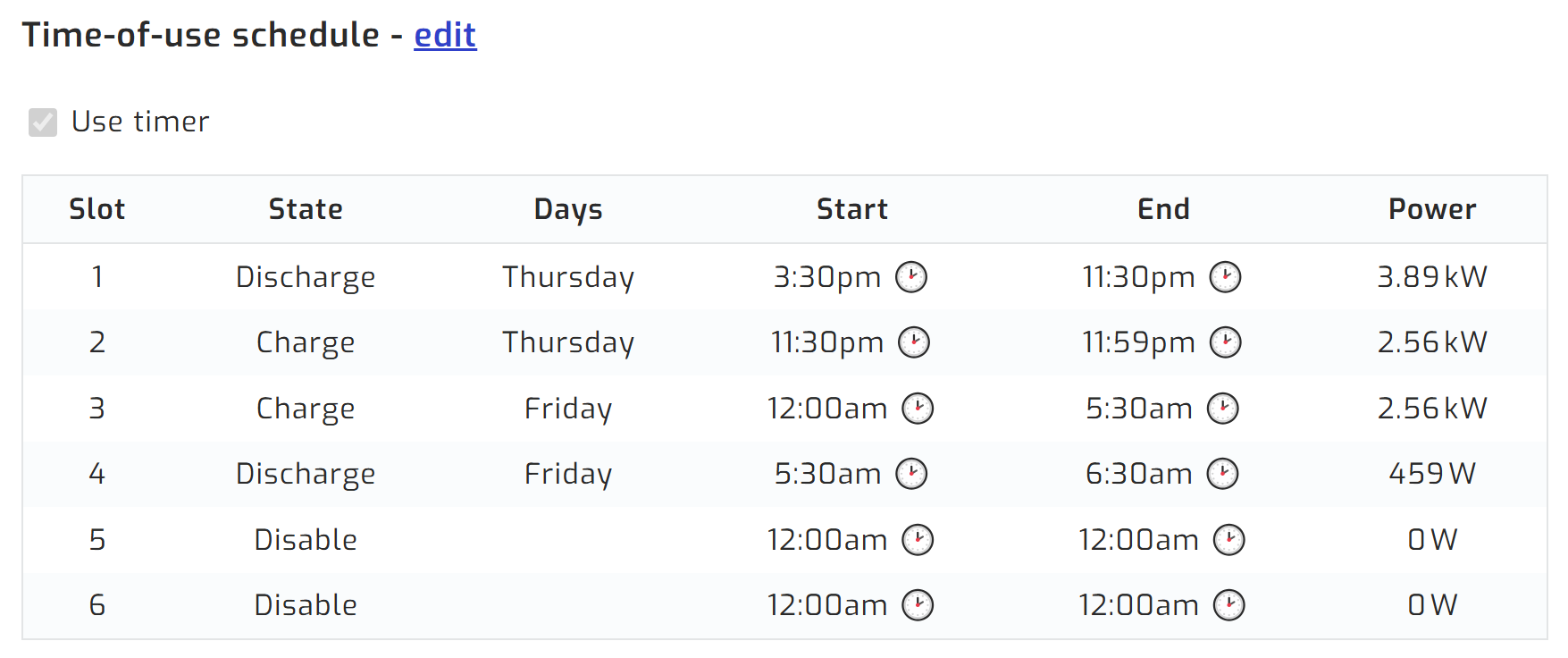
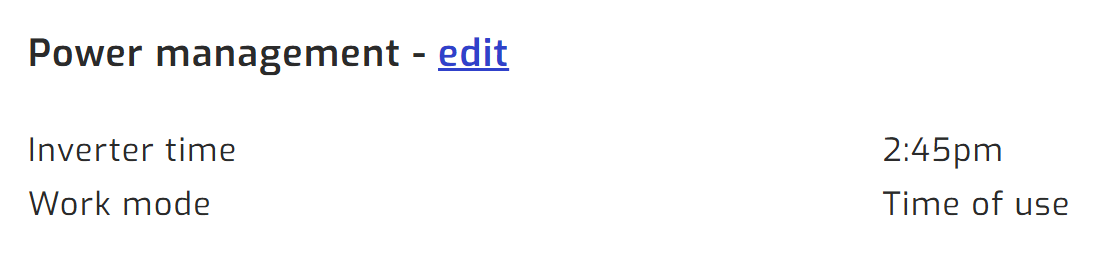
The top of the page shows the inverter time and work mode; below that is the time-of-use schedule. Click "Edit" to modify either section.
If you would like SolarAssistant to adjust inverter settings automatically, please see the automation table.
Step 3 - Adjust settings and save
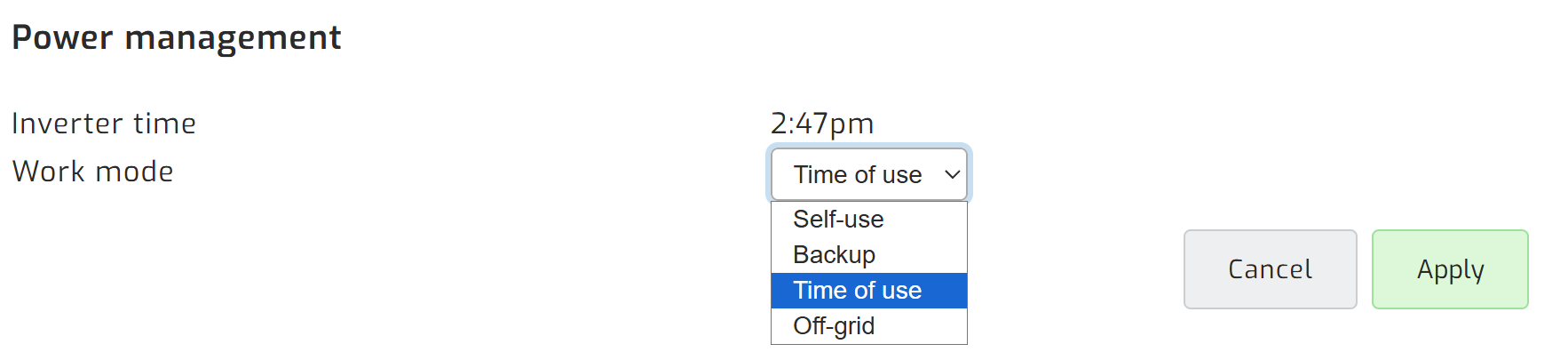
Set the work mode to suit your needs.
You can also enable the time-of-use timer and configure it to charge or discharge the battery as needed.