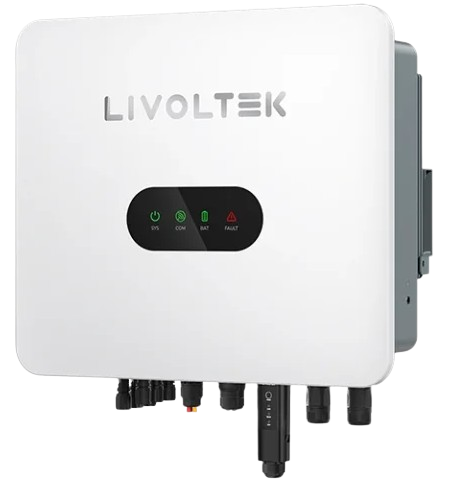
InvertersLivoltek › HP3
HP3
HP3
Livoltek
HP3-5KD2, HP3-5KL2, HP3-6KD2, HP3-6KL2, HP3-8KD2, HP3-8KL2, HP3-8KS1LV, HP3-9.9KD2, HP3-9.9KL2, HP3-10KD2, HP3-10KL2, HP3-10KS1LV, HP3-12KD2, HP3-12KL2, HP3-12KS1LV, HP3-14.9KL2, HP3-14.9KT2, HP3-15KD2, HP3-15KL2, HP3-15KM2, HP3-15KS1LV, HP3-20KM2158, HP3-20KT2, HP3-25KM2159, HP3-25KT2, HP3-29.9KT2, HP3-30KM2160, HP3-30KT2, HP3-36KM2, HP3-40KS1, HP3-50KS1, HP3-60KS1
Áttekintés › Power management


Step 1 - Navigate to the power management section

Select the tab as shown below to open the power management section.

Navigate to SolarAssistant power management

Step 2 - Review and edit work mode

The top of the page shows the inverter work mode; below that are EMS setting. Click "Edit" to modify either section.
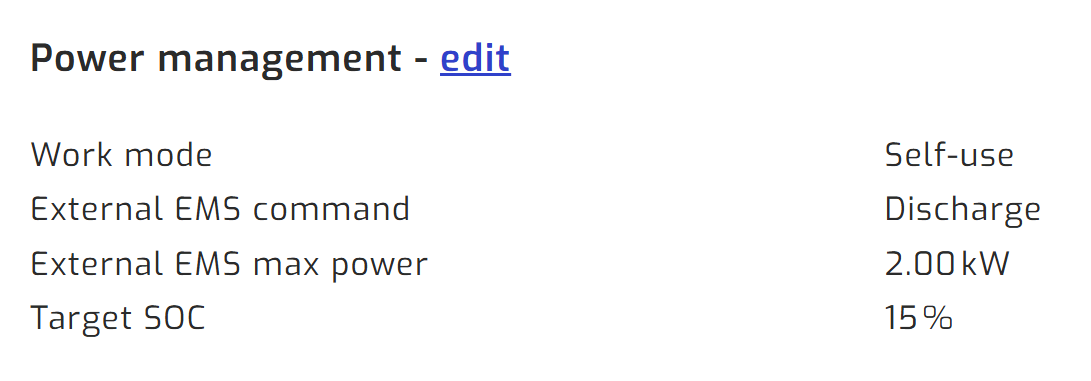
Power management page

If you would like SolarAssistant to adjust inverter settings automatically, please see the automation table.

Step 3 - Adjust settings and save

Set the work mode to suit your needs.