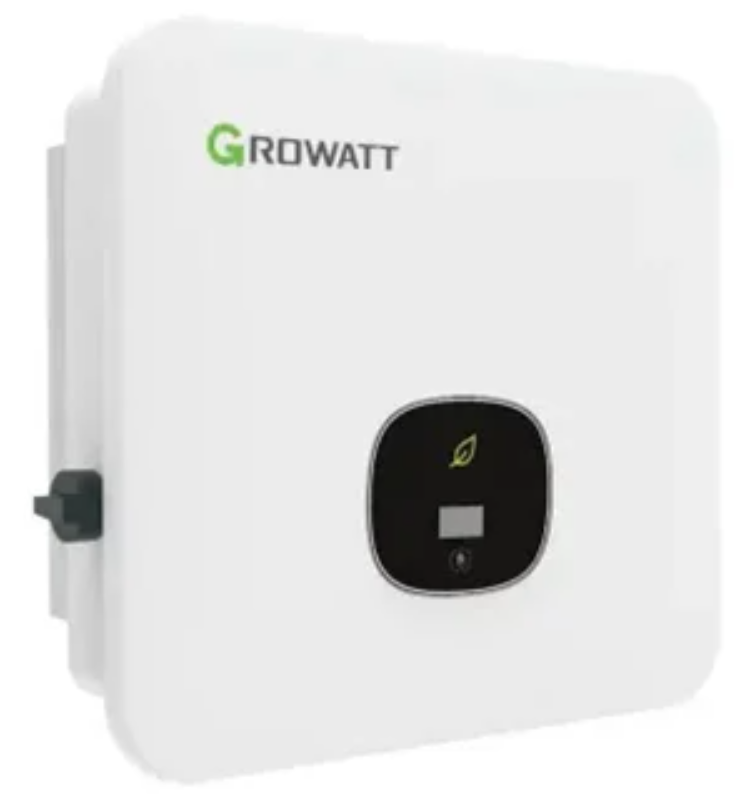
InvertersGrowatt › MOD-TL3-XH
MOD-TL3-XH
MOD-TL3-XH
Growatt
MOD 3000TL3-XH
MOD 4000TL3-XH
MOD 5000TL3-XH
MOD 6000TL3-XH
MOD 7000TL3-XH
MOD 8000TL3-XH
MOD 9000TL3-XH
MOD 10000TL3-XH
growatt
Огляд › Settings

Please note: The screenshots below are examples and may not match your settings page. The settings available differ between Growatt models; SolarAssistant makes the appropriate options available for the model you have connected.

Step 1 - Navigate to inverter settings

On the configuration tab, navigate to the inverter settings page.
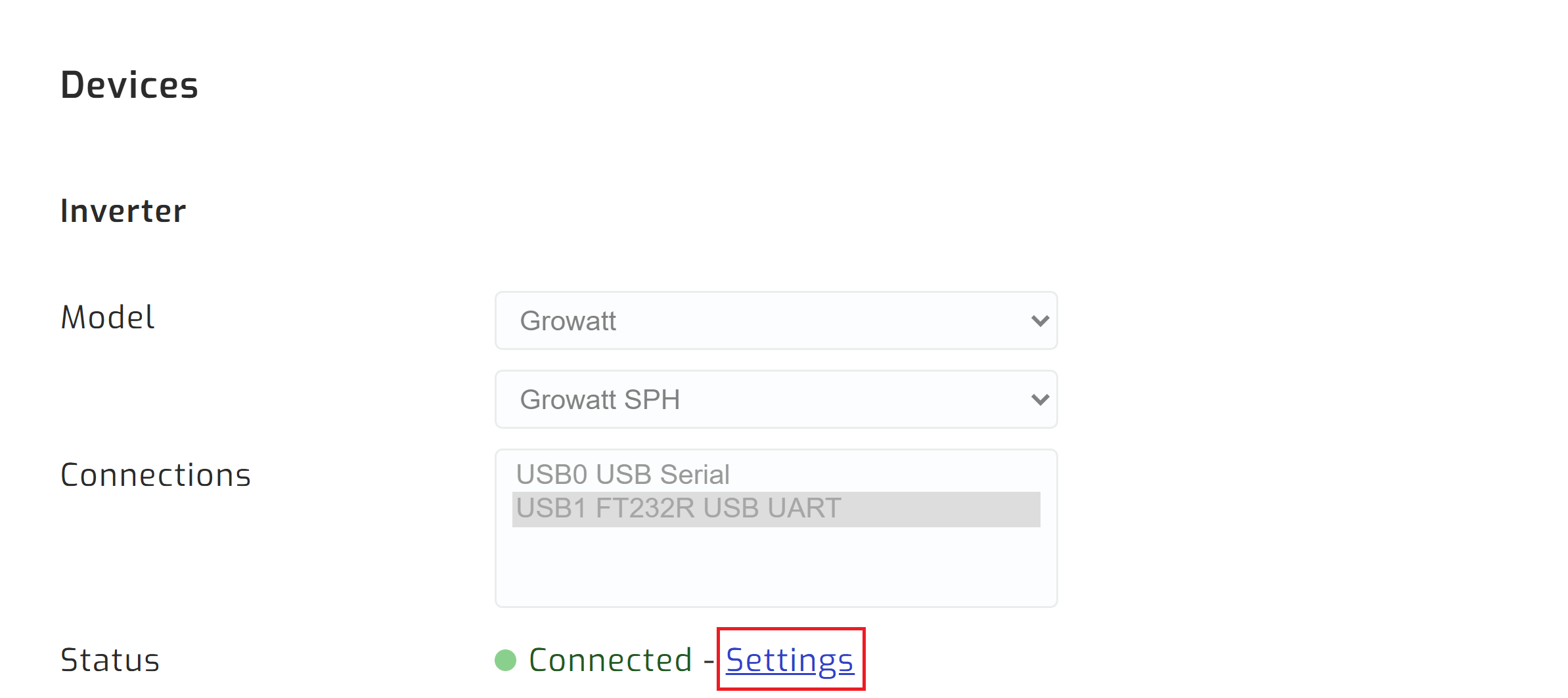
Navigate to inverter settings

Step 2 - Enter edit mode

If you have parallel inverters, select the inverter. Select edit on section you would like to edit.
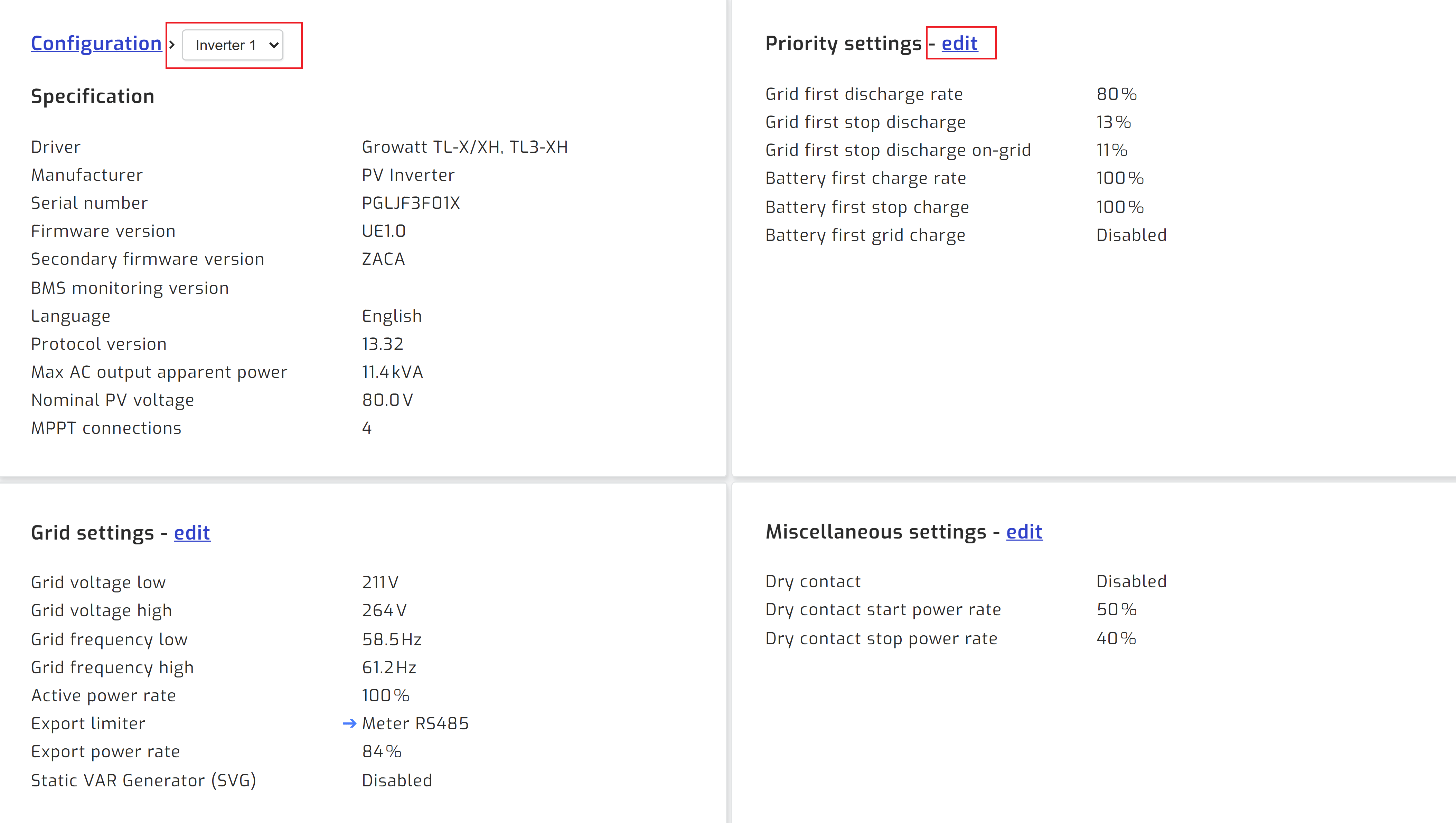
Edit inverter setting

Step 3 - Change setting and save

Change the setting you would like to adjust and press save.
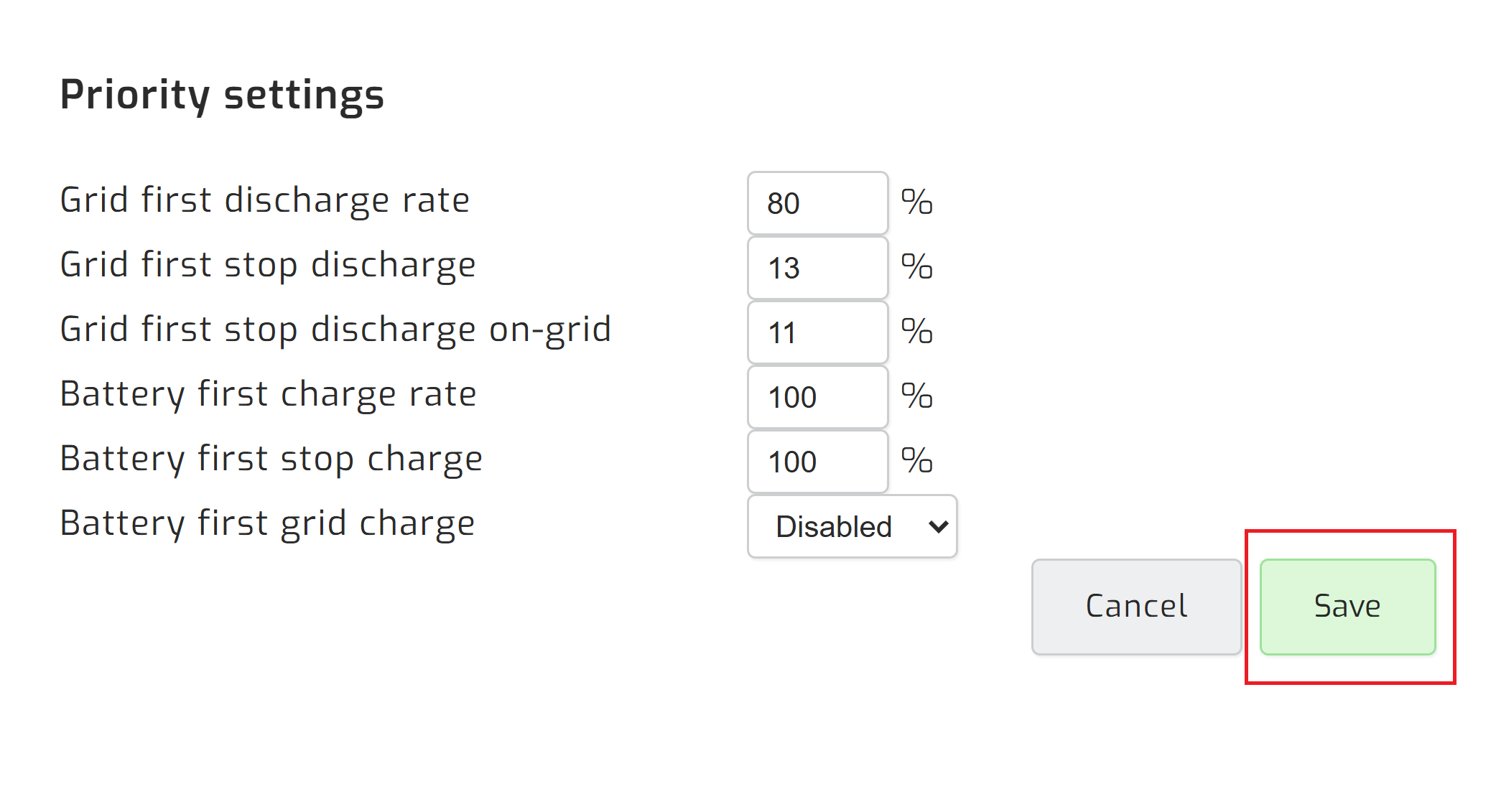
Save inverter setting