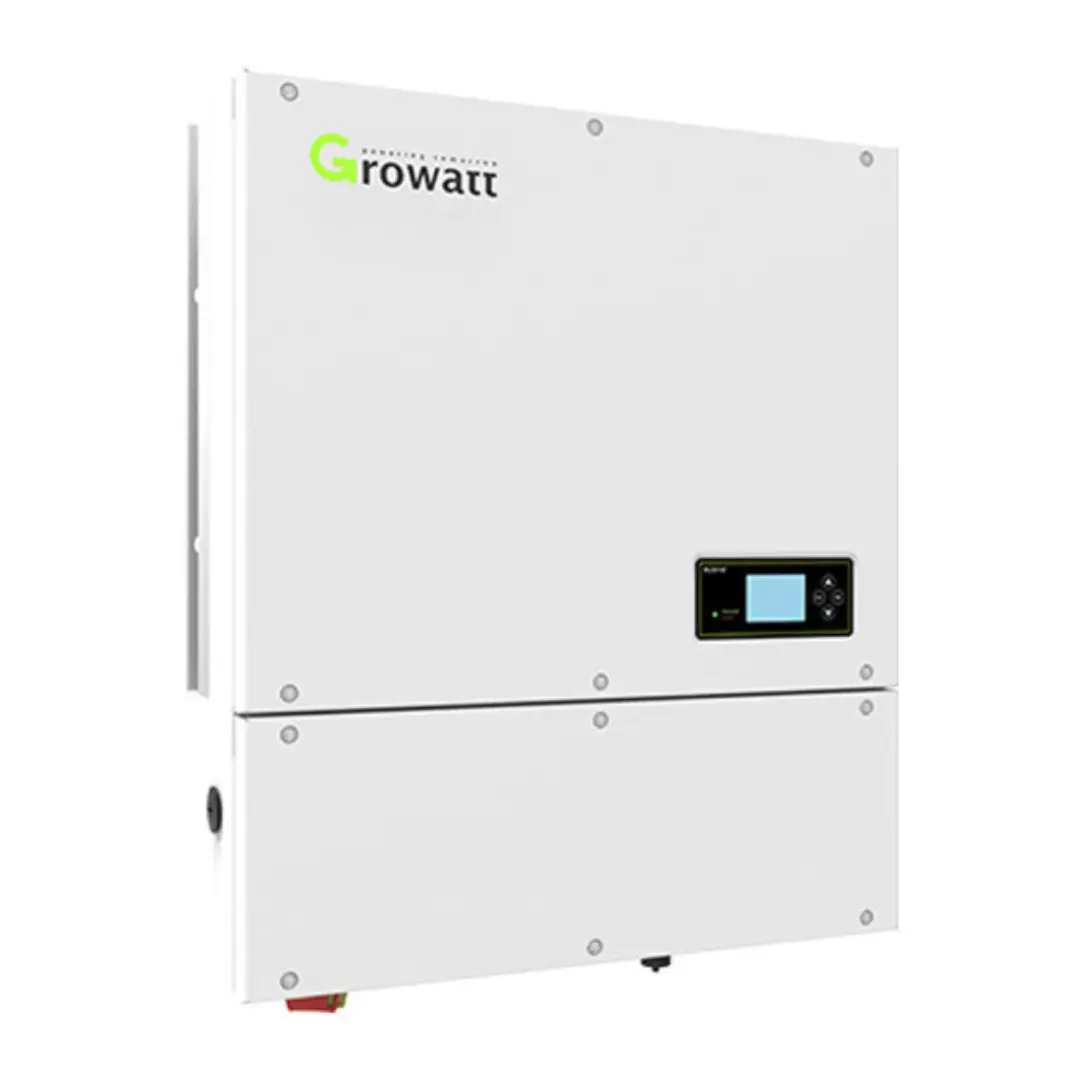
RS485 port
The USB port on the inverter can not be used for monitoring. You need to connect it via an RS485 cable by screwing the RS485A and RS485B wire into the ATE/VPP port. Each inverter will require it's own USB cable.
You can also explore alternative RS485 adapters that might be available locally in your country.
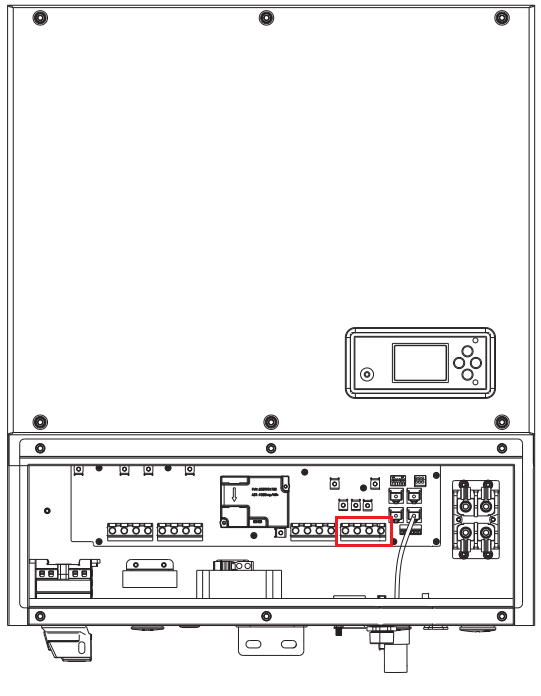
You need to connect using the green terminal, where A+ goes to A2, GND in the middle and B- to B2, as shown below:
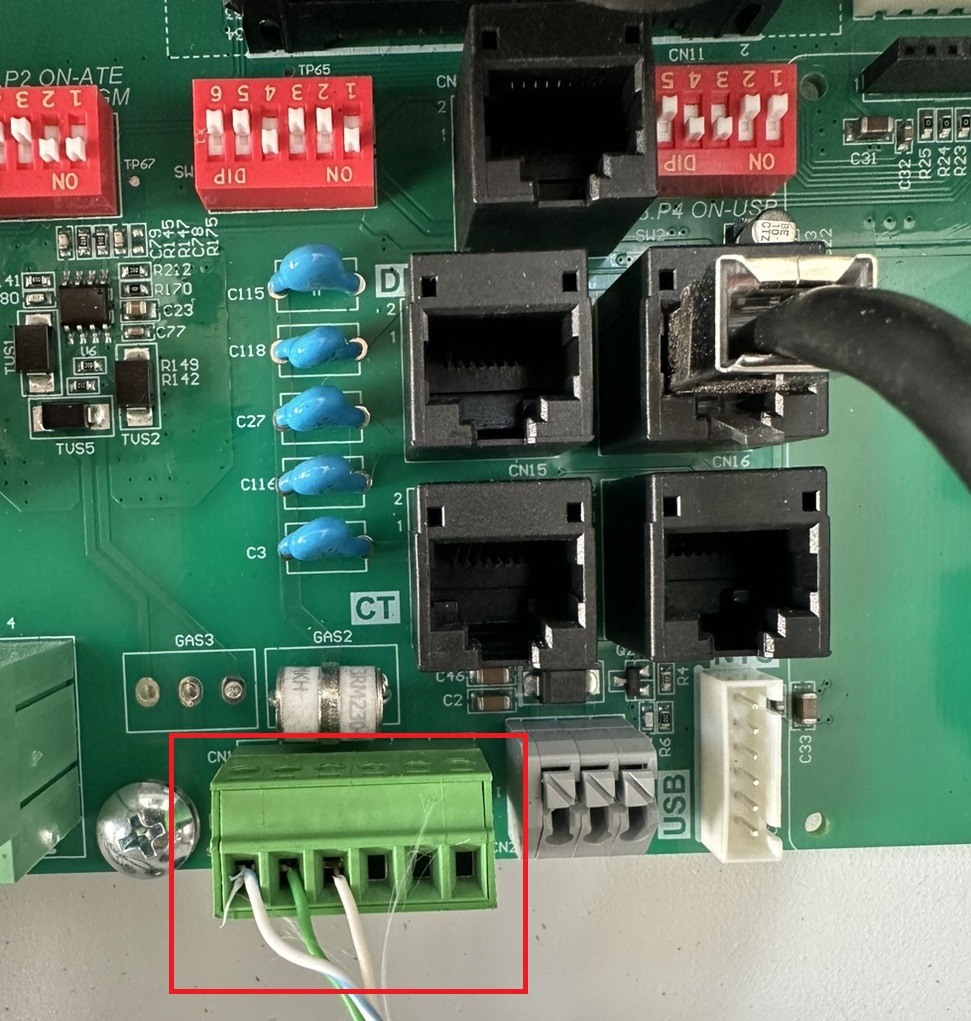
Please note: The wire colors on the photos isn't representative of our self crimp cable, and the self crimp cable will include a label for wire coloring.
Steps in SolarAssistant
On the configuration page, select "Growatt" as your inverter model.
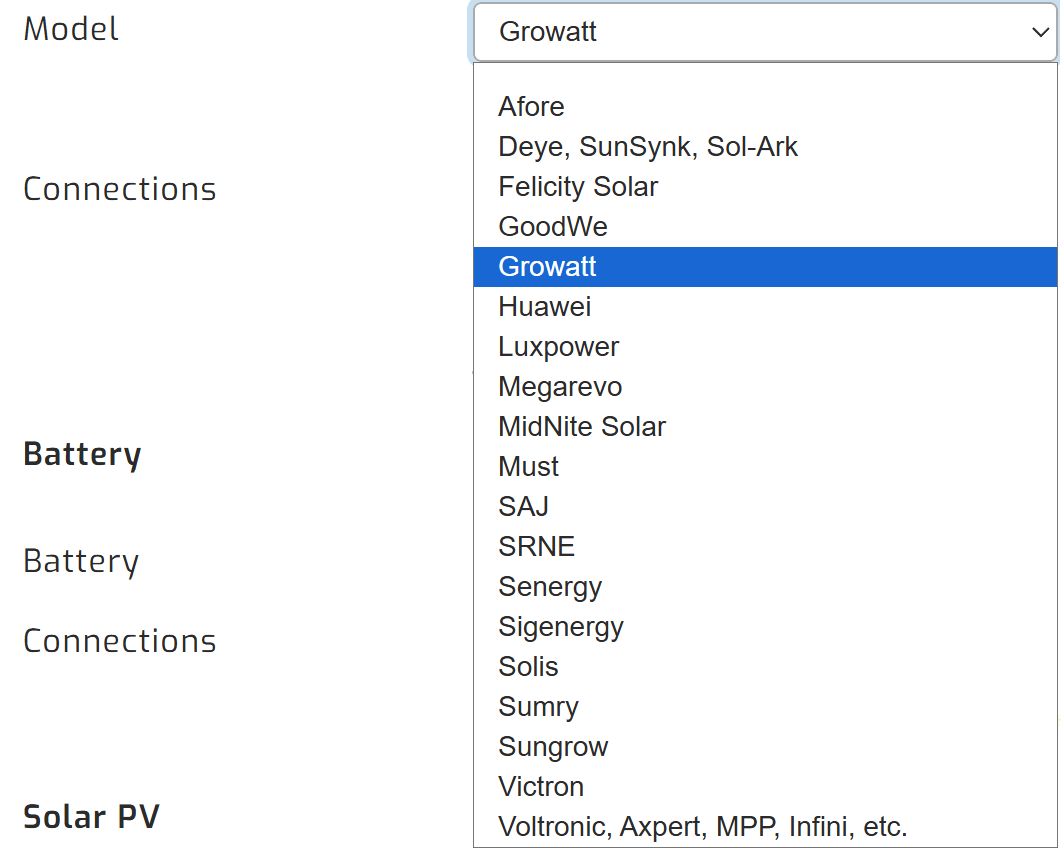
Then, make sure you select the relevant Growatt inverter model.
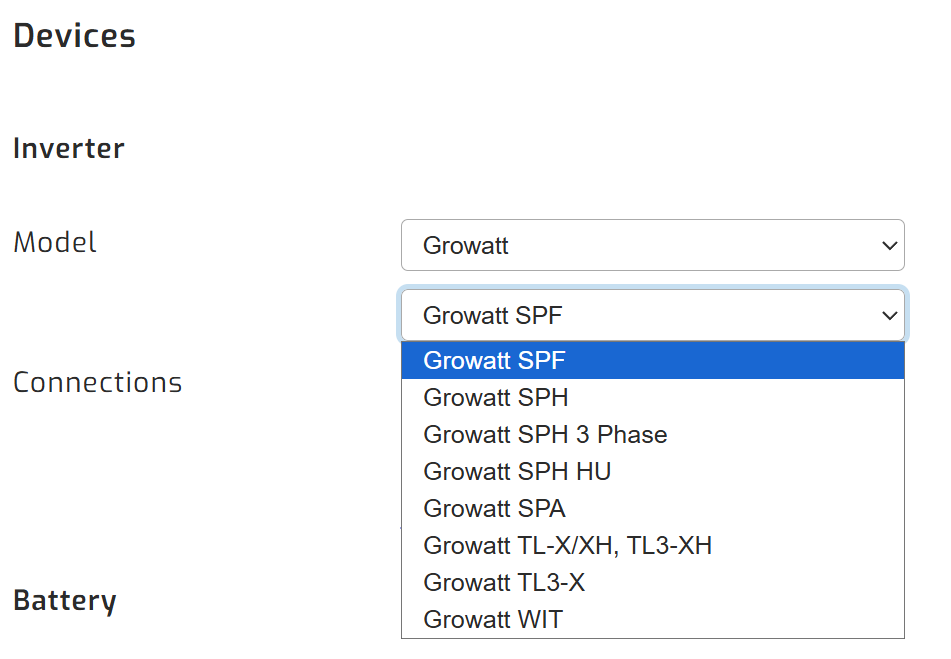
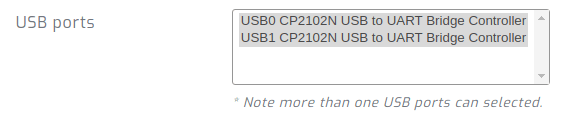
Devices connected via USB will show up. Select all ports that are Growatt inverters.
Click connect:
Parallel installations
With Growatt inverters you will need to connect each inverter with its own cable.
Troubleshooting
Please note that these units come with an AI mode that can cause issues. If this is enabled, it supersedes changes to the inverter's settings. If you are experiencing issues with your inverter settings, please disable the AI mode.