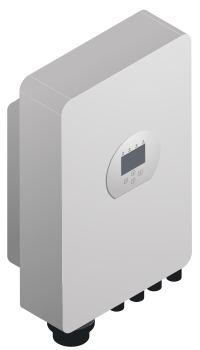
WiFi dongle
SolarAssistant supports the Solarman WiFi dongle and the Deye DL1000B logger stick.
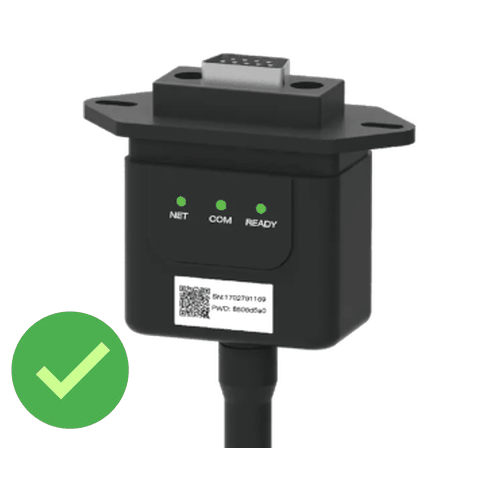
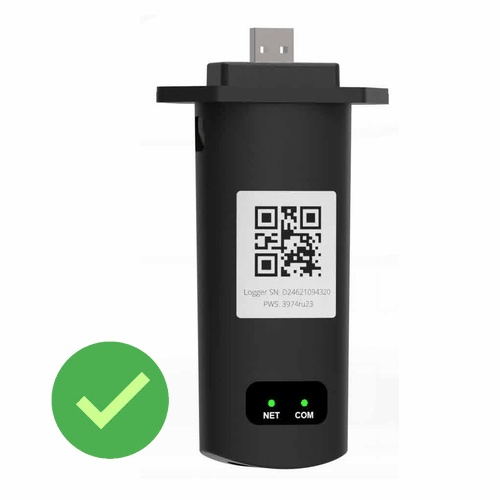
Solarman WiFi dongle
First, it is important to make sure that the SolarAssistant and the Solarman dongle are connected to the same Access point or router. This means you will have to have the initial setup for the Solarman dongle to get it connected to the router. Once you have them both connected to the same router, open the configuration page.
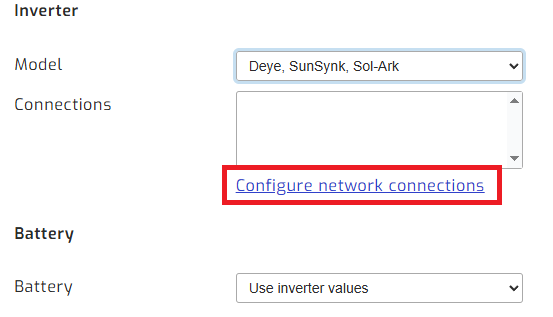
On the SolarAssistant configuration page, select "Deye" inverter and then "Configure network connections".
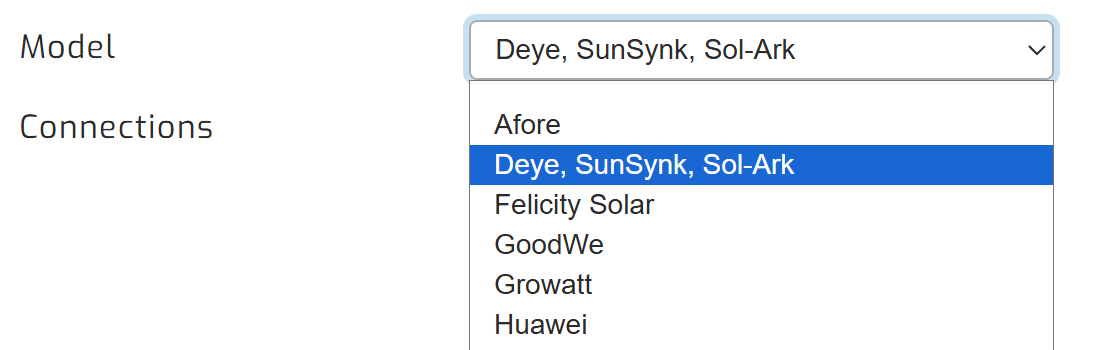
Then, open the Configure network connections page.
Once on that page, you should see a scan button. This will scan the connected network for Deye dongles.
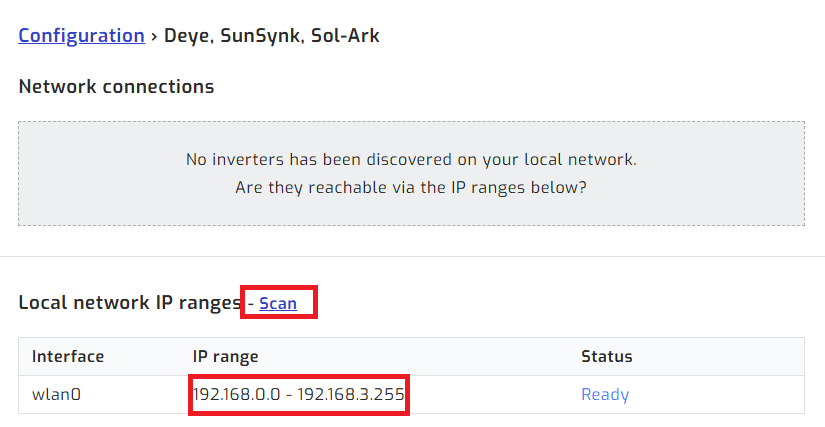
Note: If you are not finding a dongle, check that the dongle is using an IP address within the range shown, and there is a network log on the right-hand side to help with diagnosis.
Once you have the dongle selected, save and highlight the device on the configuration tab, then click connect:
Deye DL1000B logger stick
SolarAssistant reads the Deye DL1000B over Bluetooth, so your SolarAssistant device must be within Bluetooth range of the inverter. Leave the stick plugged into the inverter.
Follow the same steps as above. When you click the scan button, the stick is listed under Bluetooth by its serial number, which is also printed on the stick. Save, select it on the configuration tab, then click connect.