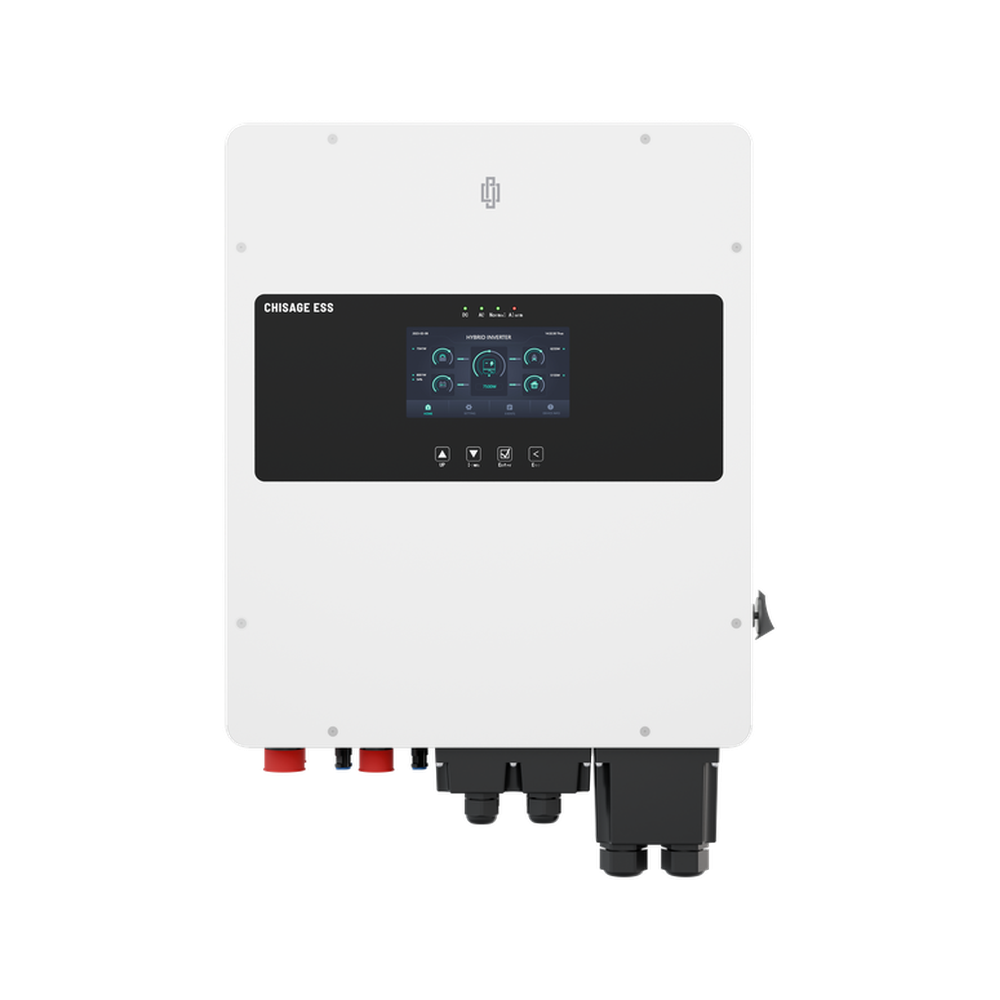
Step 1 - Navigate to the power management section
To open the power management section of your device, select the tab as displayed in the screenshot below.

Step 2 - Review the work mode timer
The top of the page shows the "Device mode", which is an interpretation of the inverter work mode settings. Below it, the Work mode timer table shows whether the timer is in use, and the time start, time end, power, capacity, grid and generator values of each time slot.
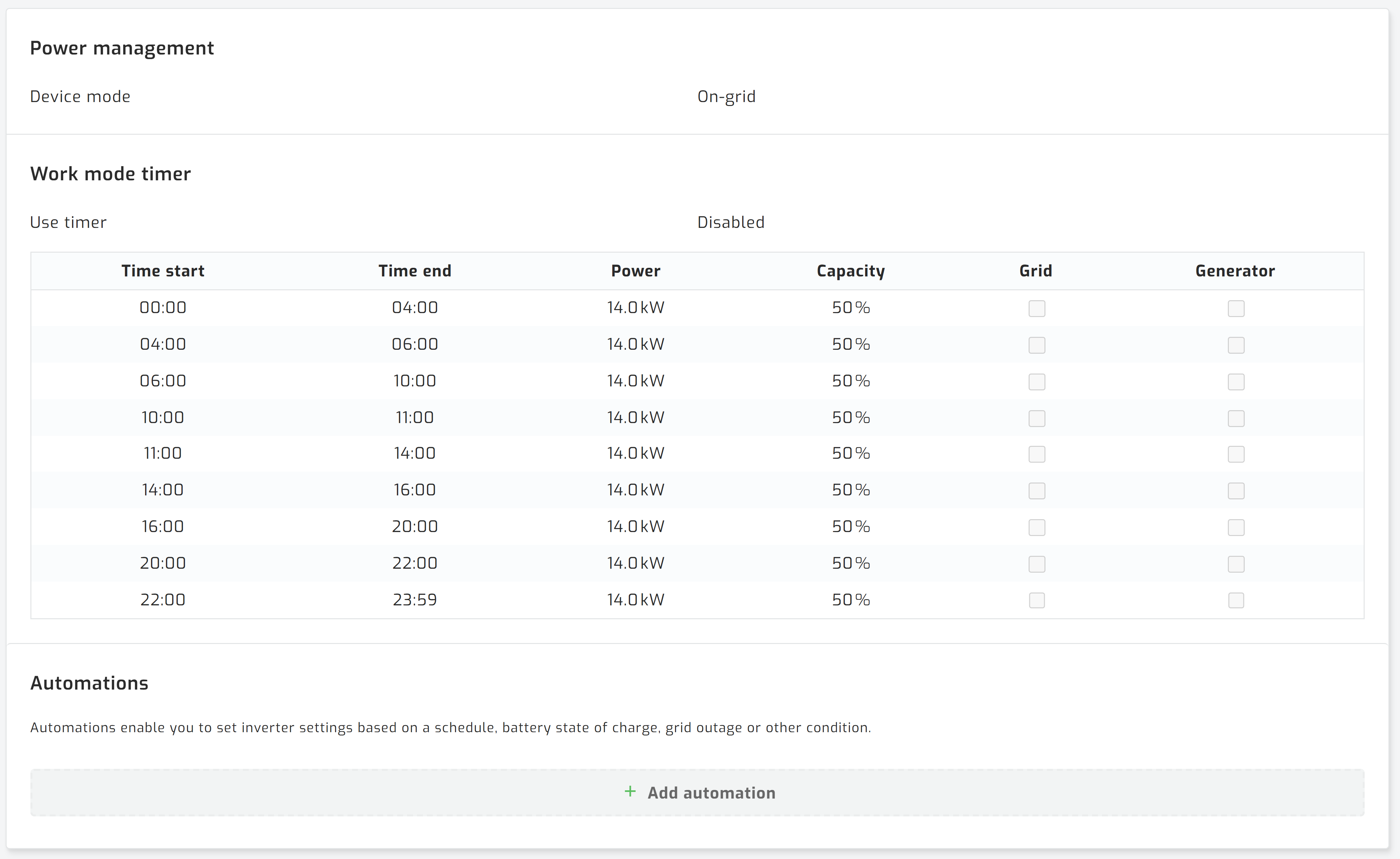
Please note: Support for this inverter is currently read only. SolarAssistant shows the work
mode timer, but you cannot edit it or control it with automations yet. Make any changes on the inverter itself.