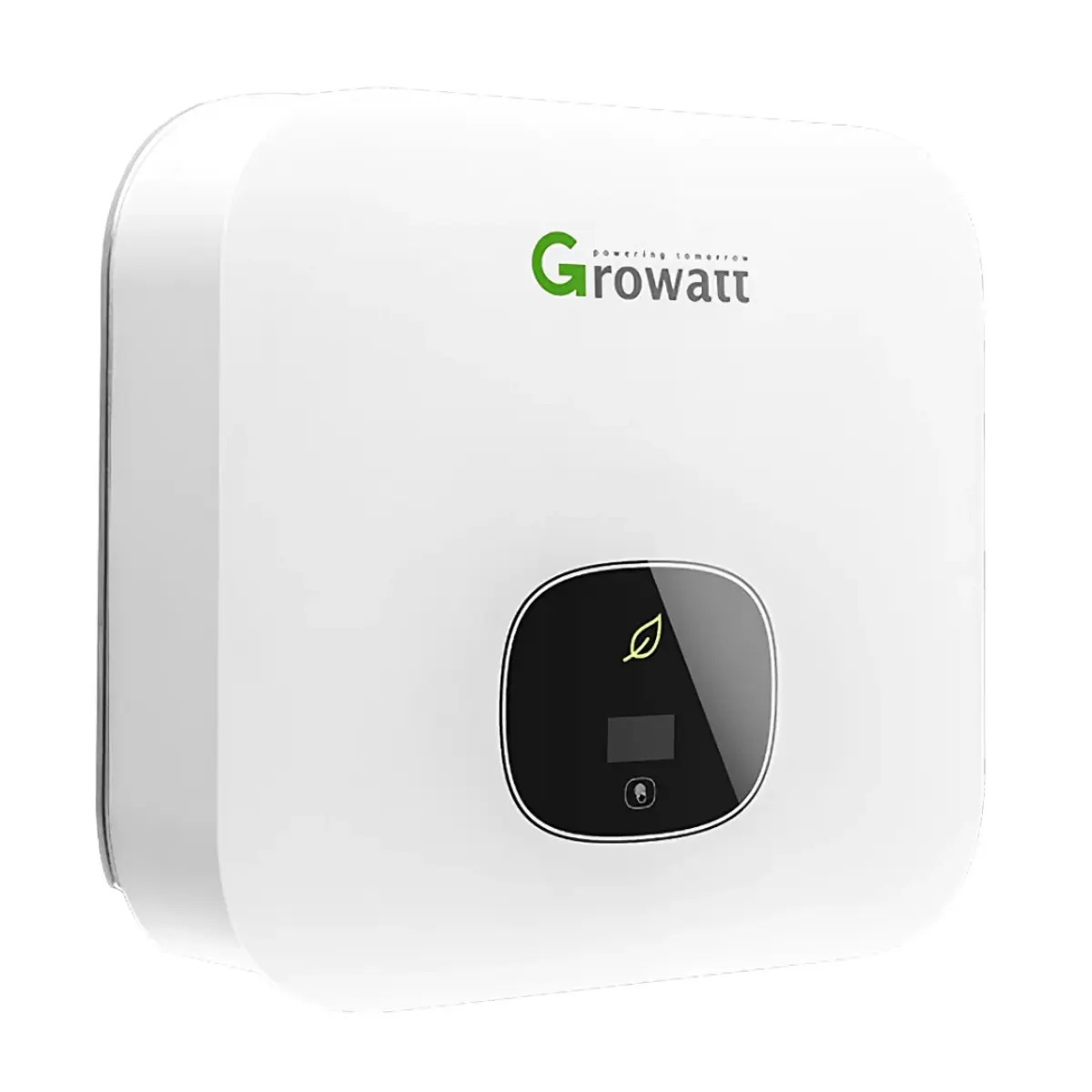
RS485 port
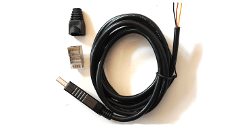
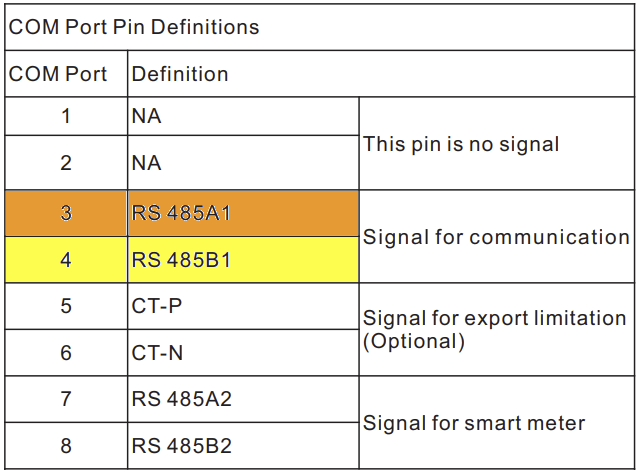
The USB port on the inverter can not be used for monitoring. You need to connect it via an RS485 cable by screwing the RS485A and RS485B wire into pin 3 and 4 of the communication port. Each inverter will require it's own USB cable. Please use the Sys COM port if there is one on your unit. Otherwise, if the unit does not have a Sys COM port, you can use the RS485 port.
You can also explore alternative RS485 adapters that might be available locally in your country.
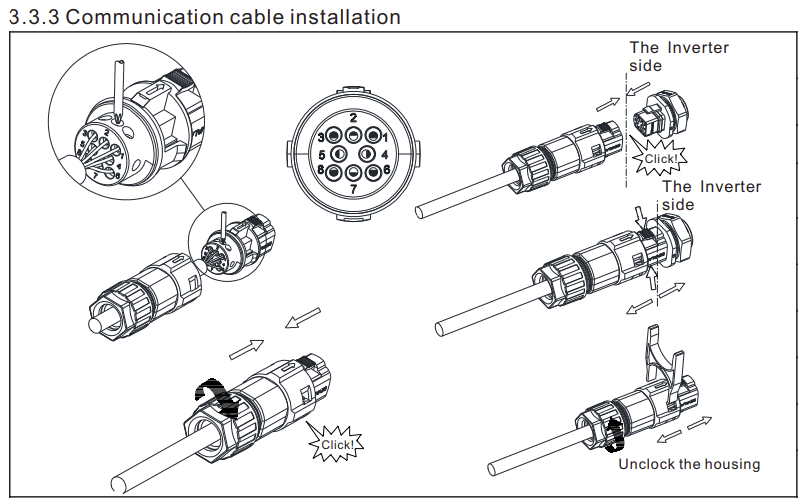
| Pin 3 | RS485A |
| Pin 4 | RS485B |
Steps in SolarAssistant
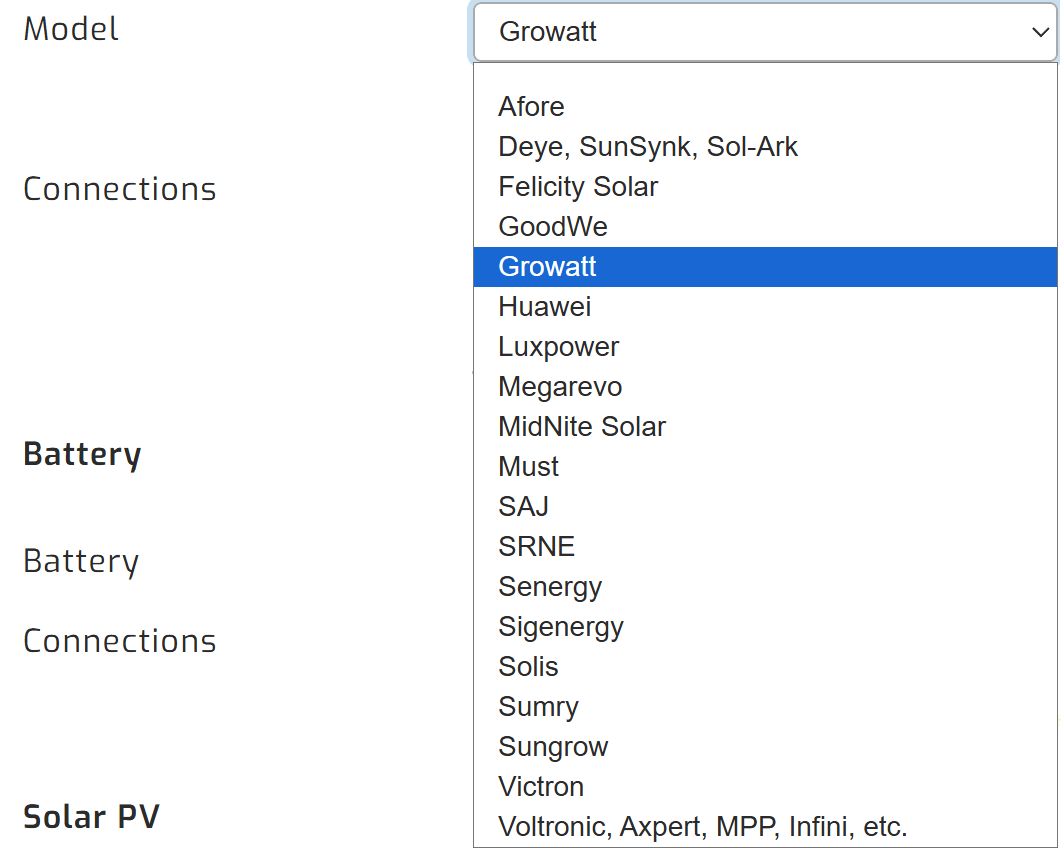
On the configuration page, select "Growatt" as your inverter model.
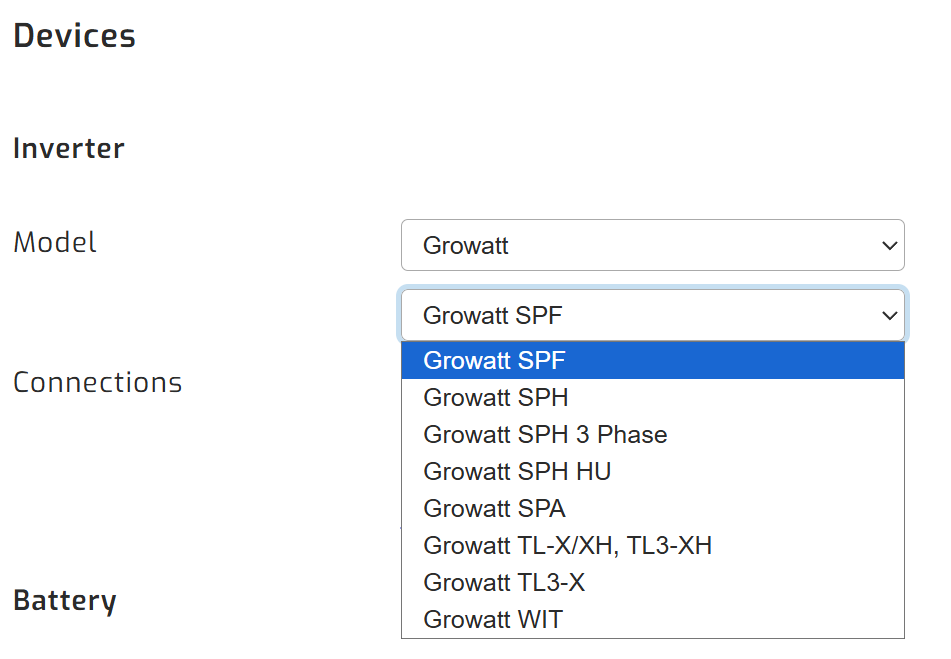
Then, make sure you select the relevant Growatt inverter model.
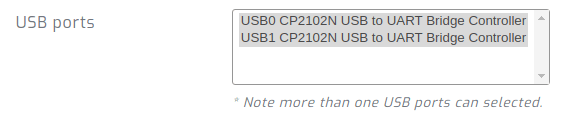
Devices connected via USB will show up. Select all ports that are Growatt inverters.
Click connect:
Parallel installations
With Growatt inverters you will need to connect each inverter with its own cable.