Steps in SolarAssistant
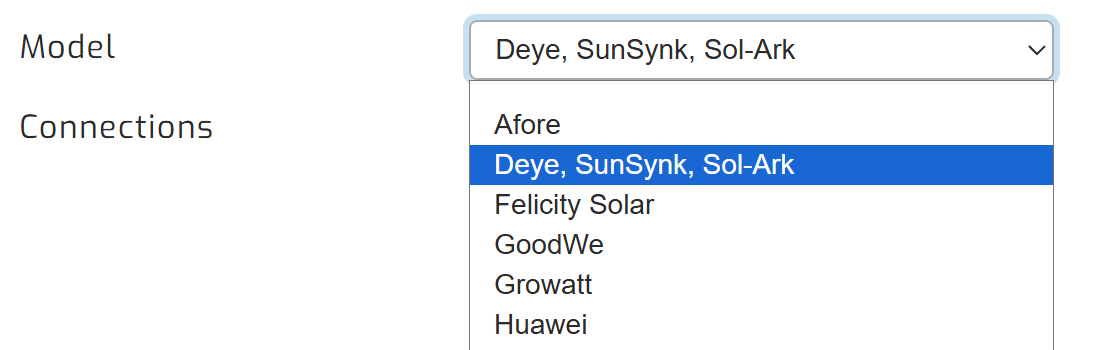
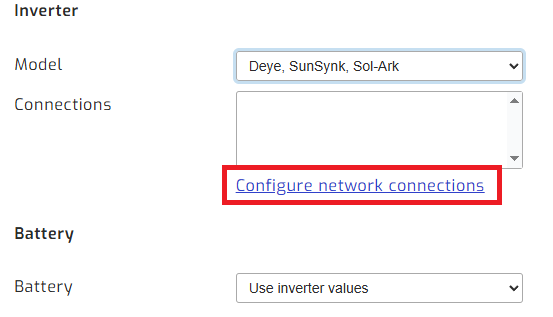
On the SolarAssistant configuration page, select Deye, SunSynk, Sol-Ark as your inverter and then "Configure network connections".
Then, open the Configure network connections page.
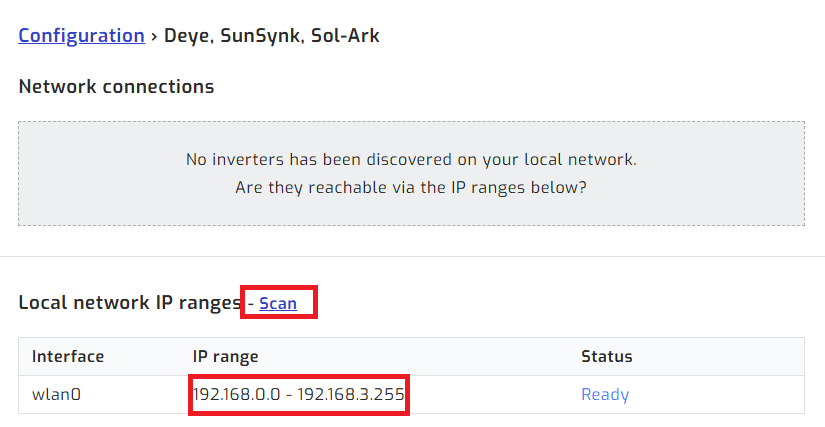
Click the scan button. SolarAssistant scans the network for the dongle and lists your inverter by its serial number, with the IP address of the dongle.
Save, select the device on the configuration tab, then click connect:
Troubleshooting - The scan does not find the dongle
Check that the IP address of the dongle is within the range shown on the scan page. The network log on the right-hand side shows each device the scan found and why it was rejected.
If the log says the dongle has not found an inverter, check the cable between the dongle and the inverter and wait until the Sunsynk Connect app shows the inverter, then scan again.
If the scan still does not find the dongle, please contact us via email and include your site name.